Search

Software Engineer's Notes

Tag

Software Security

Risk-Based Authentication: A Smarter Way to Secure Users

What is risk based authentication?

What is Risk-Based Authentication?

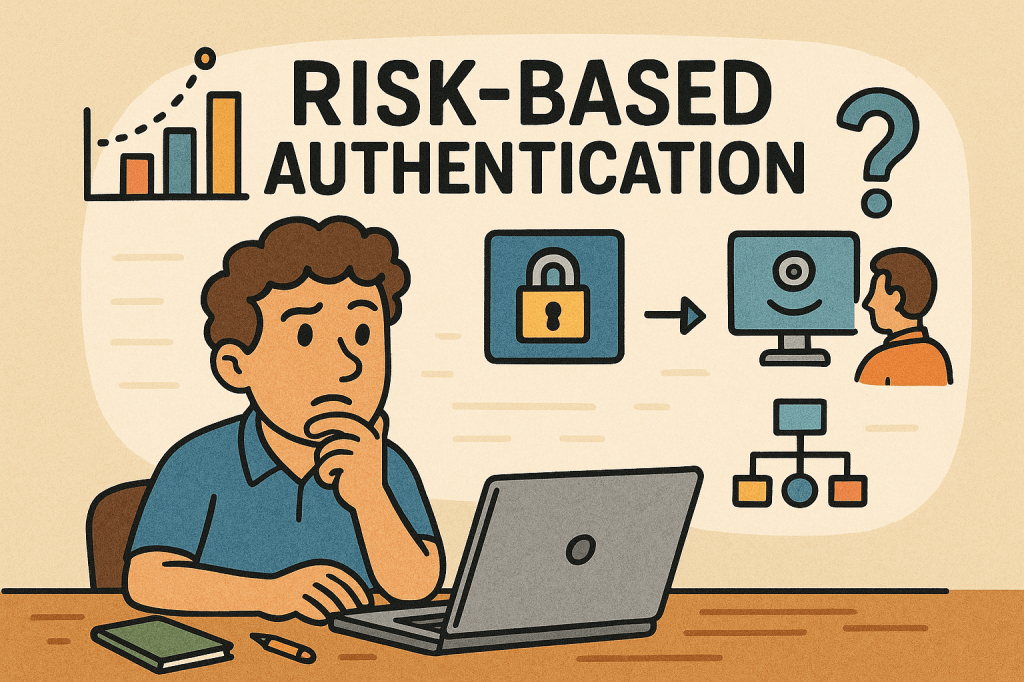
Risk-Based Authentication (RBA) is an adaptive security approach that evaluates the risk level of a login attempt and adjusts the authentication requirements accordingly. Instead of always requiring the same credentials (like a password and OTP), RBA looks at context—such as device, location, IP address, and user behavior—and decides whether to grant, challenge, or block access.

This method helps balance security and user experience, ensuring that legitimate users face fewer obstacles while suspicious attempts get stricter checks.

A Brief History of Risk-Based Authentication

The concept of Risk-Based Authentication emerged in the early 2000s as online fraud and phishing attacks grew, especially in banking and financial services. Traditional two-factor authentication (2FA) was widely adopted, but it became clear that requiring extra steps for every login created friction for users.

Banks and e-commerce companies began exploring context-aware security, leveraging early fraud detection models. By the mid-2000s, vendors like RSA and large financial institutions were deploying adaptive authentication tools.

Over the years, with advancements in machine learning, behavioral analytics, and big data, RBA evolved into a more precise and seamless mechanism. Today, it’s a cornerstone of Zero Trust architectures and widely used in industries like finance, healthcare, and enterprise IT.

How Does Risk-Based Authentication Work?

RBA works by assigning a risk score to each login attempt, based on contextual signals. Depending on the score, the system decides the next step:

  1. Data Collection – Gather information such as:
    • Device type and fingerprint
    • IP address and geolocation
    • Time of access
    • User’s typical behavior (keystroke patterns, navigation habits)
  2. Risk Scoring – Use rules or machine learning to calculate the probability that the login is fraudulent.
  3. Decision Making – Based on thresholds:
    • Low Risk → Allow login with minimal friction.
    • Medium Risk → Ask for additional verification (OTP, security questions, push notification).
    • High Risk → Block the login or require strong multi-factor authentication.

Main Components of Risk-Based Authentication

  • Risk Engine – The core system that analyzes contextual data and assigns risk scores.
  • Data Sources – Inputs such as IP reputation, device fingerprints, geolocation, and behavioral biometrics.
  • Policy Rules – Configurable logic that defines how the system should respond to different risk levels.
  • Adaptive Authentication Methods – Secondary checks like OTPs, SMS codes, biometrics, or security keys triggered only when needed.
  • Integration Layer – APIs or SDKs that integrate RBA into applications, identity providers, or single sign-on systems.

Benefits of Risk-Based Authentication

  1. Improved Security
    • Detects abnormal behavior like unusual login locations or impossible travel scenarios.
    • Makes it harder for attackers to compromise accounts even with stolen credentials.
  2. Better User Experience
    • Reduces unnecessary friction for trusted users.
    • Only challenges users when risk is detected.
  3. Scalability
    • Works dynamically across millions of logins without overwhelming help desks.
  4. Compliance Support
    • Meets security standards (e.g., PSD2, HIPAA, PCI-DSS) by demonstrating adaptive risk mitigation.

Weaknesses of Risk-Based Authentication

While powerful, RBA isn’t flawless:

  • False Positives – Legitimate users may be flagged and challenged if they travel often or use different devices.
  • Bypass with Sophisticated Attacks – Advanced attackers may mimic device fingerprints or use botnets to appear “low risk.”
  • Complex Implementation – Requires integration with multiple data sources, tuning of risk models, and ongoing maintenance.
  • Privacy Concerns – Collecting and analyzing user behavior (like keystrokes or device details) may raise regulatory and ethical issues.

When and How to Use Risk-Based Authentication

RBA is best suited for environments where security risk is high but user convenience is critical, such as:

  • Online banking and financial services
  • E-commerce platforms
  • Enterprise single sign-on solutions
  • Healthcare portals and government services
  • SaaS platforms with global user bases

It’s especially effective when you want to strengthen authentication without forcing MFA on every single login.

Integrating RBA Into Your Software Development Process

To adopt RBA in your applications:

  1. Assess Security Requirements – Identify which applications and users require adaptive authentication.
  2. Choose an RBA Provider – Options include identity providers (Okta, Ping Identity, Azure AD, Keycloak with extensions) or building custom engines.
  3. Integrate via APIs/SDKs – Many RBA providers offer APIs that hook into your login and identity management system.
  4. Define Risk Policies – Set thresholds for low, medium, and high risk.
  5. Test and Tune Continuously – Use A/B testing and monitoring to reduce false positives and improve accuracy.
  6. Ensure Compliance – Review data collection methods to meet GDPR, CCPA, and other privacy laws.

Conclusion

Risk-Based Authentication provides the perfect balance between strong security and seamless usability. By adapting authentication requirements based on real-time context, it reduces friction for genuine users while blocking suspicious activity.

When thoughtfully integrated into software development processes, RBA can help organizations move towards a Zero Trust security model, protect sensitive data, and create a safer digital ecosystem.
One-Time Password (OTP): A Practical Guide for Engineers

What is One-Time Password?

What is a One-Time Password?

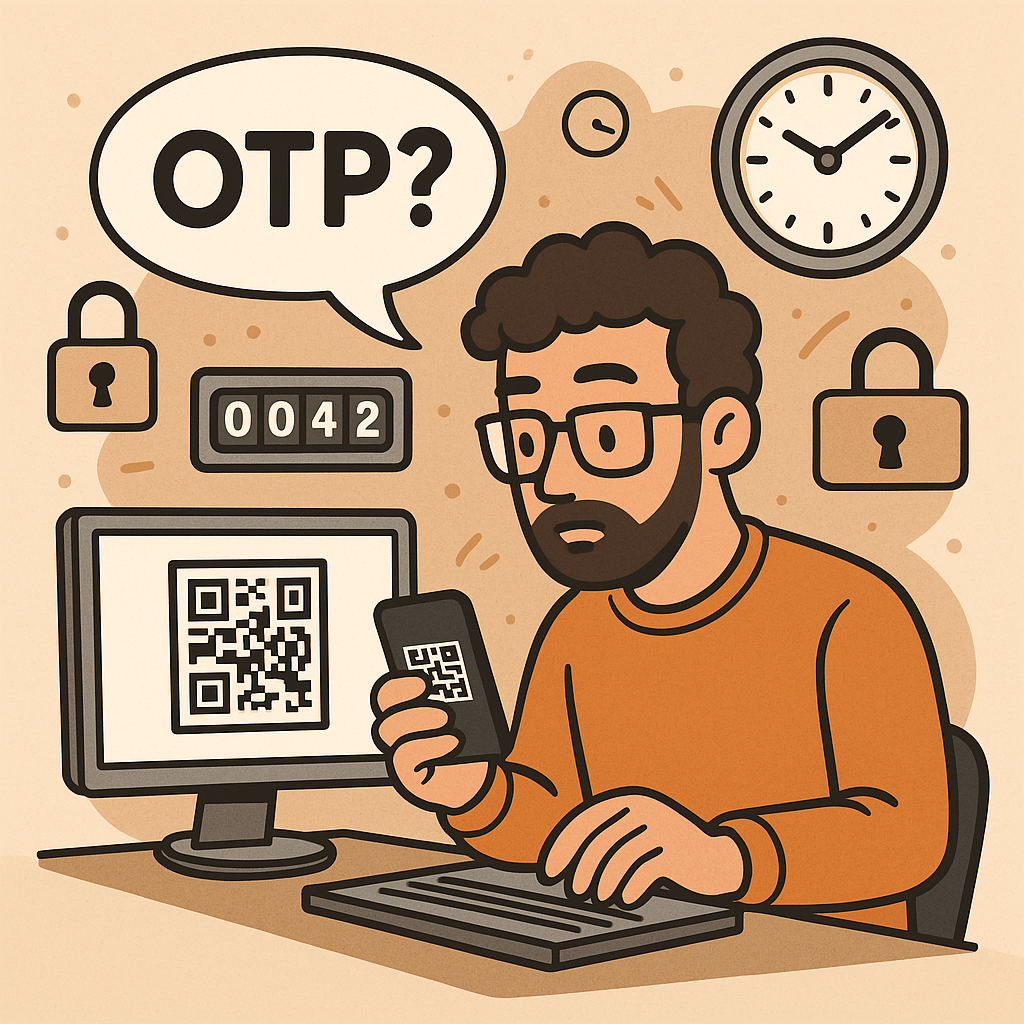
A One-Time Password (OTP) is a code (e.g., 6–8 digits) that’s valid for a single use and typically expires quickly (e.g., 30–60 seconds). OTPs are used to:

  • Strengthen login (as a second factor, MFA)
  • Approve sensitive actions (step-up auth)
  • Validate contact points (phone/email ownership)
  • Reduce fraud in payment or money movement flows

OTPs may be:

  • TOTP: time-based, generated locally in an authenticator app (e.g., 6-digit code rotating every 30s)
  • HOTP: counter-based, generated from a moving counter value
  • Out-of-band: delivered via SMS, email, or push (server sends the code out through another channel)

A Brief History (S/Key → HOTP → TOTP → Modern MFA)

  • 1981: Leslie Lamport introduces the concept of one-time passwords using hash chains.
  • 1990s (S/Key / OTP): Early challenge-response systems popularize one-time codes derived from hash chains (RFC 1760, later RFC 2289).
  • 2005 (HOTP, RFC 4226): Standardizes HMAC-based One-Time Password using a counter; each next code increments a counter.
  • 2011 (TOTP, RFC 6238): Standardizes Time-based OTP by replacing counter with time steps (usually 30 seconds), enabling app-based codes (Google Authenticator, Microsoft Authenticator, etc.).
  • 2010s–present: OTP becomes a mainstream second factor. The ecosystem expands with push approvals, number matching, device binding, and WebAuthn (which offers phishing-resistant MFA; OTP still widely used for reach and familiarity).

How OTP Works (with step-by-step flows)

1. TOTP (Time-based One-Time Password)

Idea: Client and server share a secret key. Every 30 seconds, both compute a new code from the secret + current time.

Generation (client/app):

  1. Determine current Unix time t.
  2. Compute time step T = floor(t / 30).
  3. Compute HMAC(secret, T) (e.g., HMAC-SHA-1/256).
  4. Dynamic truncate to 31-bit integer, then mod 10^digits (e.g., 10^6 → 6 digits).
  5. Display code like 413 229 (expires when the 30-second window rolls).

Verification (server):

  1. Recompute expected codes for T plus a small window (e.g., T-1, T, T+1) to tolerate clock skew.
  2. Compare user-entered code with any expected code.
  3. Enforce rate limiting and replay protection.

2. HOTP (Counter-based One-Time Password)

Idea: Instead of time, use a counter that increments on each code generation.

Generation: HMAC(secret, counter) → truncate → mod 10^digits.
Verification: Server allows a look-ahead window to resynchronize if client counters drift.

3. Out-of-Band Codes (SMS/Email/Push)

Idea: Server creates a random code and sends it through a side channel (e.g., SMS).
Verification: User types the received code; server checks match and expiration.

Pros: No app install; broad reach.
Cons: Vulnerable to SIM swap, SS7 weaknesses, email compromise, and phishing relays.

Core Components of an OTP System

  • Shared Secret (TOTP/HOTP): A per-user secret key (e.g., Base32) provisioned via QR code/URI during enrollment.
  • Code Generator:
    • Client-side (authenticator app) for TOTP/HOTP
    • Server-side generator for out-of-band codes
  • Delivery Channel: SMS, email, or push (for out-of-band); not needed for app-based TOTP/HOTP.
  • Verifier Service: Validates codes with timing/counter windows, rate limits, and replay detection.
  • Secure Storage: Store secrets with strong encryption and access controls (e.g., HSM or KMS).
  • Enrollment & Recovery: QR provisioning, backup codes, device change/reset flows.
  • Observability & Risk Engine: Logging, anomaly detection, geo/behavioral checks, adaptive step-up.

Benefits of Using OTP

  • Stronger security than passwords alone (defends against password reuse and basic credential stuffing).
  • Low friction & low cost (especially TOTP apps—no per-SMS fees).
  • Offline capability (TOTP works without network on the user device).
  • Standards-based & interoperable (HOTP/TOTP widely supported).
  • Flexible use cases: MFA, step-up approvals, transaction signing, device verification.

Weaknesses & Common Attacks

  • Phishing & Real-Time Relay: Attackers proxy login, capturing OTP and replaying instantly.
  • SIM Swap / SS7 Issues (SMS OTP): Phone number hijacking allows interception of SMS codes.
  • Email Compromise: If email is breached, emailed OTPs are exposed.
  • Malware/Overlays on Device: Can exfiltrate TOTP codes or intercept out-of-band messages.
  • Shared-Secret Risks: Poor secret handling during provisioning/storage leaks all future codes.
  • Clock Drift (TOTP): Device/server time mismatch causes false rejects.
  • Brute-force Guessing: Short codes require strict rate limiting and lockouts.
  • Usability & Recovery Gaps: Device loss without backup codes locks users out.

Note: OTP improves security but is not fully phishing-resistant. For high-risk scenarios, pair with phishing-resistant MFA (e.g., WebAuthn security keys or device-bound passkeys) and/or number-matching push.

When and How Should You Use OTP?

Use OTP when:

  • Adding MFA to protect accounts with moderate to high value.
  • Performing step-up auth for sensitive actions (password change, wire transfer).
  • Validating contact channels (phone/email ownership).
  • Operating offline contexts (TOTP works without data).

Choose the method:

  • TOTP app (recommended default): secure, cheap, offline, broadly supported.
  • SMS/email OTP: maximize reach; acceptable for low/medium risk with compensating controls.
  • Push approvals with number matching: good UX and better phishing defenses than raw OTP entry.
  • HOTP: niche, but useful for hardware tokens or counter-based devices.

Integration Guide for Your Software Development Lifecycle

1. Architecture Overview

  • Backend: OTP service (issue/verify), secret vault/KMS, rate limiter, audit logs.
  • Frontend: Enrollment screens (QR), verification forms, recovery/backup code flows.
  • Delivery (optional): SMS/email provider, push service.
  • Risk & Observability: Metrics, alerts, anomaly detection.

2. Enrollment Flow (TOTP)

  1. Generate a random per-user secret (160–256 bits).
  2. Store encrypted; never log secrets.
  3. Show otpauth:// URI as a QR code (issuer, account name, algorithm, digits, period).
  4. Ask user to type the current app code to verify setup.
  5. Issue backup codes; prompt to save securely.

3. Verification Flow (TOTP)

  1. User enters 6-digit code.
  2. Server recomputes expected codes for T-1..T+1.
  3. If match → success; else increment rate-limit counters and show safe errors.
  4. Log event and update risk signals.

4. Out-of-Band OTP Flow (SMS/Email)

  1. Server creates a random code (e.g., 6–8 digits), stores hash + expiry (e.g., 5 min).
  2. Send via chosen channel; avoid secrets in message templates.
  3. Verify user input; invalidate on success; limit attempts.

5. Code Examples (Quick Starts)

Java (Spring Security + TOTP using java-time + any TOTP lib):

// Pseudocode: verify TOTP code for user
boolean verifyTotp(String base32Secret, int userCode, long nowEpochSeconds) {
  long timeStep = 30;
  long t = nowEpochSeconds / timeStep;
  for (long offset = -1; offset <= 1; offset++) {
    int expected = Totp.generate(base32Secret, t + offset); // lib call
    if (expected == userCode) return true;
  }
  return false;
}

Node.js (TOTP with otplib or speakeasy):

const { authenticator } = require('otplib');
authenticator.options = { step: 30, digits: 6 }; // default
const isValid = authenticator.verify({
  token: userInput,
  secret: base32Secret
});

Python (pyotp):

import pyotp, time
totp = pyotp.TOTP(base32_secret, interval=30, digits=6)
is_valid = totp.verify(user_input, valid_window=1)  # allow ±1 step

6. Data Model & Storage

  • user_id, otp_type (TOTP/HOTP/SMS/email), secret_ref (KMS handle), enrolled_at, revoked_at
  • For out-of-band: otp_hash, expires_at, attempts, channel, destination_masked
  • Never store raw secrets or raw sent codes; store hash + salt for generated codes.

7. DevOps & Config

  • Secrets in KMS/HSM; rotate issuer keys periodically.
  • Rate limits: attempts per minute/hour/day; IP + account scoped.
  • Alerting: spikes in failures, drift errors, provider delivery issues.
  • Feature flags to roll out MFA gradually and enforce for riskier cohorts.

UX & Security Best Practices

  • Promote app-based TOTP over SMS/email by default; offer SMS/email as fallback.
  • Number matching for push approvals to mitigate tap-yes fatigue.
  • Backup codes: one-time printable set; show only on enrollment; allow regen with step-up.
  • Device time checks: prompt users if the clock is off; provide NTP sync tips.
  • Masked channels: show •••-•••-1234 rather than full phone/email.
  • Progressive enforcement: warn first, then require OTP for risky events.
  • Anti-phishing: distinguish trusted UI (e.g., app domain, passkeys), consider origin binding and link-proofing.
  • Accessibility & i18n: voice, large text, copy/paste, code grouping 123-456.

Testing & Monitoring Checklist

Functional

  • TOTP verification with ±1 step window
  • SMS/email resend throttling and code invalidation
  • Backup codes (single use)
  • Enrollment verification required before enablement

Security

  • Secrets stored via KMS/HSM; no logging of secrets/codes
  • Brute-force rate limits + exponential backoff
  • Replay protection (invalidate out-of-band codes on success)
  • Anti-automation (CAPTCHA/behavioral) where appropriate

Reliability

  • SMS/email provider failover or graceful degradation
  • Clock drift alarm; NTP health
  • Dashboards: success rate, latency, delivery failure, fraud signals

Glossary

  • OTP: One-Time Password—single-use code for auth or approvals.
  • HOTP (RFC 4226): HMAC-based counter-driven OTP.
  • TOTP (RFC 6238): Time-based OTP—rotates every fixed period (e.g., 30s).
  • MFA: Multi-Factor Authentication—two or more independent factors.
  • Step-Up Auth: Extra verification for high-risk actions.
  • Number Matching: Push approval shows a code the user must match, deterring blind approval.
  • WebAuthn/Passkeys: Phishing-resistant MFA based on public-key cryptography.

Final Thoughts

OTP is a powerful, standards-backed control that significantly raises the bar for attackers—if you implement it well. Prefer TOTP apps for security and cost, keep SMS/email for reach with compensating controls, and plan a path toward phishing-resistant options (WebAuthn) for your most sensitive use cases.

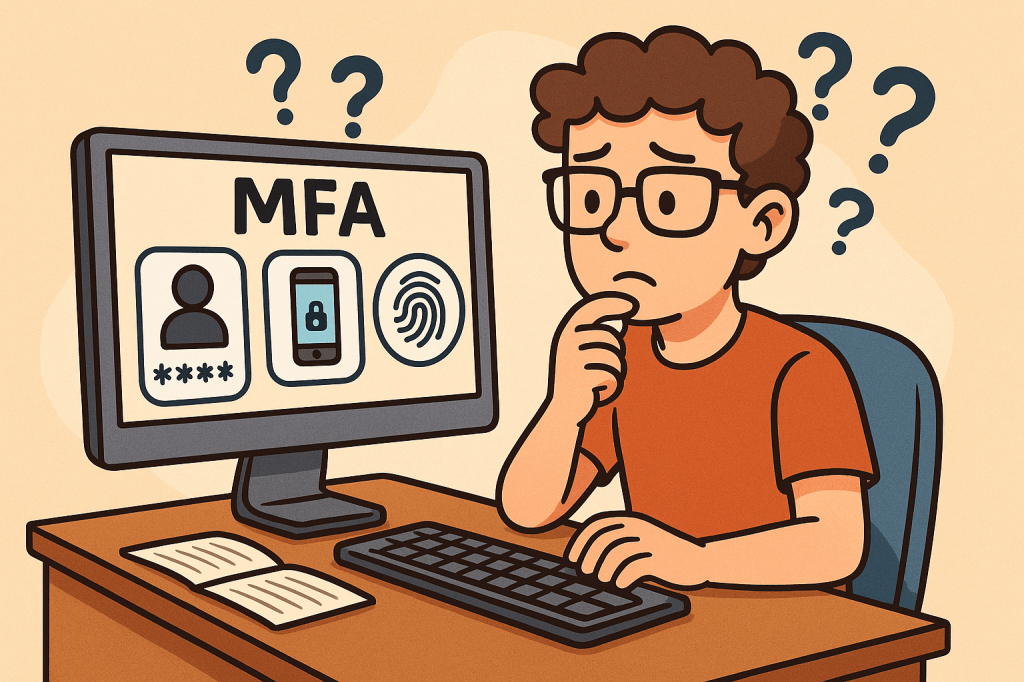
Multi-Factor Authentication (MFA): A Complete Guide

What is Multi-Factor Authentication?

In today’s digital world, security is more important than ever. Passwords alone are no longer enough to protect sensitive data, systems, and personal accounts. That’s where Multi-Factor Authentication (MFA) comes in. MFA adds an extra layer of security by requiring multiple forms of verification before granting access. In this post, we’ll explore what MFA is, its history, how it works, its main components, benefits, and practical ways to integrate it into modern software development processes.

What is Multi-Factor Authentication (MFA)?

Multi-Factor Authentication (MFA) is a security mechanism that requires users to provide two or more independent factors of authentication to verify their identity. Instead of relying solely on a username and password, MFA combines different categories of authentication to strengthen access security.

These factors usually fall into one of three categories:

  1. Something you know – passwords, PINs, or answers to security questions.
  2. Something you have – a physical device like a smartphone, hardware token, or smart card.
  3. Something you are – biometric identifiers such as fingerprints, facial recognition, or voice patterns.

A Brief History of MFA

  • 1960s – Passwords Introduced: Early computing systems introduced password-based authentication, but soon it became clear that passwords alone could be stolen or guessed.
  • 1980s – Two-Factor Authentication (2FA): The first wide adoption of hardware tokens emerged in the financial sector. RSA Security introduced tokens generating one-time passwords (OTPs).
  • 1990s – Wider Adoption: Enterprises began integrating smart cards and OTP devices for employees working with sensitive systems.
  • 2000s – Rise of Online Services: With e-commerce and online banking growing, MFA started becoming mainstream, using SMS-based OTPs and email confirmations.
  • 2010s – Cloud and Mobile Era: MFA gained momentum with apps like Google Authenticator, Authy, and push-based authentication, as cloud services required stronger protection.
  • Today – Ubiquity of MFA: MFA is now a standard security practice across industries, with regulations like GDPR, HIPAA, and PCI-DSS recommending or requiring it.

How Does MFA Work?

The MFA process follows these steps:

  1. Initial Login Attempt: A user enters their username and password.
  2. Secondary Challenge: After validating the password, the system prompts for a second factor (e.g., an OTP code, push notification approval, or biometric scan).
  3. Verification of Factors: The system verifies the additional factor(s).
  4. Access Granted or Denied: If all required factors are correct, the user gains access. Otherwise, access is denied.

MFA systems typically rely on:

  • Time-based One-Time Passwords (TOTP): Generated codes that expire quickly.
  • Push Notifications: Mobile apps sending approval requests.
  • Biometric Authentication: Fingerprint or facial recognition scans.
  • Hardware Tokens: Devices that produce unique, secure codes.

Main Components of MFA

  1. Authentication Factors: Knowledge, possession, and inherence (biometric).
  2. MFA Provider/Service: Software or platform managing authentication (e.g., Okta, Microsoft Authenticator, Google Identity Platform).
  3. User Device: Smartphone, smart card, or hardware token.
  4. Integration Layer: APIs and SDKs to connect MFA into existing applications.
  5. Policy Engine: Rules that determine when MFA is enforced (e.g., high-risk logins, remote access, or all logins).

Benefits of MFA

  • Enhanced Security: Strong protection against password theft, phishing, and brute-force attacks.
  • Regulatory Compliance: Meets security requirements in industries like finance, healthcare, and government.
  • Reduced Fraud: Prevents unauthorized access to financial accounts and sensitive systems.
  • Flexibility: Multiple methods available (tokens, biometrics, SMS, apps).
  • User Trust: Increases user confidence in the system’s security.

When and How Should We Use MFA?

MFA should be used whenever sensitive data or systems are accessed. Common scenarios include:

  • Online banking and financial transactions.
  • Corporate systems with confidential business data.
  • Cloud-based services (AWS, Azure, Google Cloud).
  • Email accounts and communication platforms.
  • Healthcare and government portals with personal data.

Organizations can enforce MFA selectively based on risk-based authentication—for example, requiring MFA only when users log in from new devices, unfamiliar locations, or during high-risk transactions.

Integrating MFA Into Software Development

To integrate MFA into modern software systems:

  1. Choose an MFA Provider: Options include Auth0, Okta, AWS Cognito, Azure AD, Google Identity.
  2. Use APIs & SDKs: Most MFA providers offer ready-to-use APIs, libraries, and plugins for web and mobile applications.
  3. Adopt Standards: Implement open standards like OAuth 2.0, OpenID Connect, and SAML with MFA extensions.
  4. Implement Risk-Based MFA: Use adaptive MFA policies (e.g., require MFA for admin access or when logging in from suspicious IPs).
  5. Ensure Usability: Provide multiple authentication options to avoid locking users out.
  6. Continuous Integration: Add MFA validation in CI/CD pipelines for admin and developer accounts accessing critical infrastructure.

Conclusion

Multi-Factor Authentication is no longer optional—it’s a necessity for secure digital systems. With its long history of evolution from simple passwords to advanced biometrics, MFA provides a robust defense against modern cyber threats. By integrating MFA into software development, organizations can safeguard users, comply with regulations, and build trust in their platforms.

PKCE (Proof Key for Code Exchange): A Practical Guide for Modern OAuth 2.0

What is PKCE?

What Is PKCE?

PKCE (Proof Key for Code Exchange) is a security extension to OAuth 2.0 that protects the Authorization Code flow from interception attacks—especially for public clients like mobile apps, SPAs, desktop apps, and CLI tools that can’t safely store a client secret.

At its core, PKCE binds the authorization request and the token request using a pair of values:

  • code_verifier – a high-entropy, random string generated by the client.
  • code_challenge – a transformed version of the verifier (usually SHA-256, base64url-encoded) sent on the initial authorization request.

Only the app that knows the original code_verifier can exchange the authorization code for tokens.

A Brief History

  • 2015 — RFC 7636 formally introduced PKCE to mitigate “authorization code interception” attacks, first targeting native apps (mobile/desktop).
  • 2017–2020 — Broad adoption across identity providers (IdPs) and SDKs made PKCE the de-facto choice for public clients.
  • OAuth 2.1 (draft) consolidates best practices by recommending Authorization Code + PKCE (and deprecating the implicit flow) for browsers and mobile apps.

Bottom line: PKCE evolved from a “mobile-only hardening” to best practice for all OAuth clients, including SPAs.

How PKCE Works (Step-by-Step)

  1. App creates a code_verifier
    • A cryptographically random string: 43–128 characters from [A-Z] [a-z] [0-9] - . _ ~.
  2. App derives a code_challenge
    • code_challenge = BASE64URL(SHA256(code_verifier))
    • Sets code_challenge_method=S256 (preferred). plain exists for legacy, but avoid it.
  3. User authorization request (front-channel)
    • Browser navigates to the Authorization Server (AS) /authorize with:
      • response_type=code
      • client_id=…
      • redirect_uri=…
      • scope=…
      • state=…
      • code_challenge=<derived value>
      • code_challenge_method=S256
  4. User signs in & consents
    • AS authenticates the user and redirects back to redirect_uri with code (and state).
  5. Token exchange (back-channel)
    • App POSTs to /token with: grant_type=authorization_code code=<received code> redirect_uri=... client_id=... code_verifier=<original random string>
    • The AS recomputes BASE64URL(SHA256(code_verifier)) and compares to the stored code_challenge.
  6. Tokens issued
    • If the verifier matches, the AS returns tokens (access/refresh/ID token).

If an attacker steals the authorization code during step 4, it’s useless without the original code_verifier.

How PKCE Works (Step-by-Step)

  1. App creates a code_verifier
    • A cryptographically random string: 43–128 characters from [A-Z] [a-z] [0-9] - . _ ~.
  2. App derives a code_challenge
    • code_challenge = BASE64URL(SHA256(code_verifier))
    • Sets code_challenge_method=S256 (preferred). plain exists for legacy, but avoid it.
  3. User authorization request (front-channel)
    • Browser navigates to the Authorization Server (AS) /authorize with:
response_type=code
client_id=...
redirect_uri=...
scope=...
state=...
code_challenge=<derived value>
code_challenge_method=S256

  1. User signs in & consents
    • AS authenticates the user and redirects back to redirect_uri with code (and state).
  2. Token exchange (back-channel)
    • App POSTs to /token with:
grant_type=authorization_code
code=<received code>
redirect_uri=...
client_id=...
code_verifier=<original random string>

  1. Tokens issued
    • If the verifier matches, the AS returns tokens (access/refresh/ID token).

If an attacker steals the authorization code during step 4, it’s useless without the original code_verifier.

Key Components & Features

  • code_verifier: High-entropy, single-use secret generated per login attempt.
  • code_challenge: Deterministic transform of the verifier; never sensitive on its own.
  • S256 method: Strong default (code_challenge_method=S256); plain only for edge cases.
  • State & nonce: Still recommended for CSRF and replay protections alongside PKCE.
  • Redirect URI discipline: Exact matching, HTTPS (for web), and claimed HTTPS URLs on mobile where possible.
  • Back-channel token exchange: Reduces exposure compared to implicit flows.

Advantages & Benefits

  • Mitigates code interception (custom URI handlers, OS-level handoff, browser extensions, proxies).
  • No client secret required for public clients; still robust for confidential clients.
  • Works everywhere (mobile, SPA, desktop, CLI).
  • Backwards compatible with Authorization Code flow; easy to enable on most IdPs.
  • Aligns with OAuth 2.1 best practices and most security recommendations.

Known Weaknesses & Limitations

  • Not a phishing cure-all: PKCE doesn’t stop users from signing into a fake AS. Use trusted domains, phishing-resistant MFA, and App-Bound Domains on mobile.
  • Verifier theft: If the code_verifier is leaked (e.g., via logs, devtools, or XSS in a SPA), the protection is reduced. Treat it as a secret at runtime.
  • Still requires TLS and correct redirect URIs: Misconfigurations undermine PKCE.
  • SPA storage model: In-browser JS apps must guard against XSS and avoid persisting sensitive artifacts unnecessarily.

Why You Should Use PKCE

  • You’re building mobile, SPA, desktop, or CLI apps.
  • Your security posture targets Authorization Code (not implicit).
  • Your IdP supports it (almost all modern ones do).
  • You want a future-proof, standards-aligned OAuth setup.

Use PKCE by default. There’s almost no downside and plenty of upside.

Integration Patterns (By Platform)

Browser-Based SPA

  • Prefer Authorization Code + PKCE over implicit.
  • Keep the code_verifier in memory (not localStorage) when possible.
  • Use modern frameworks/SDKs that handle the PKCE dance.

Pseudo-JS example (client side):

// 1) Create code_verifier and code_challenge
const codeVerifier = base64UrlRandom(64);
const codeChallenge = await s256ToBase64Url(codeVerifier);

// 2) Start the authorization request
const params = new URLSearchParams({
  response_type: 'code',
  client_id: CLIENT_ID,
  redirect_uri: REDIRECT_URI,
  scope: 'openid profile email',
  state: cryptoRandomState(),
  code_challenge: codeChallenge,
  code_challenge_method: 'S256'
});
window.location.href = `${AUTHORIZATION_ENDPOINT}?${params.toString()}`;

// 3) On callback: exchange code for tokens (via your backend or a secure PKCE-capable SDK)

Tip: Many teams terminate the token exchange on a lightweight backend to reduce token handling in the browser and to set httpOnly, Secure cookies.

Native Mobile (iOS/Android)

  • Use App/AS-supported SDKs with PKCE enabled.
  • Prefer claimed HTTPS redirects (Apple/Android App Links) over custom schemes when possible.

Desktop / CLI

  • Use the system browser with loopback (http://127.0.0.1:<port>) redirect URIs and PKCE.
  • Ensure the token exchange runs locally and never logs secrets.

Server-Side Web Apps (Confidential Clients)

  • You usually have a client secret—but add PKCE anyway for defense-in-depth.
  • Many frameworks (Spring Security, ASP.NET Core, Django) enable PKCE with a toggle.

Provider & Framework Notes

  • Spring Security: PKCE is on by default for public clients; for SPAs, combine with OAuth2 login and an API gateway/session strategy.
  • ASP.NET Core: Set UsePkce = true on OpenIdConnect options.
  • Node.js: Use libraries like openid-client, @azure/msal-browser, @okta/okta-auth-js, or provider SDKs with PKCE support.
  • IdPs: Auth0, Okta, Azure AD/Microsoft Entra, AWS Cognito, Google, Apple, and Keycloak all support PKCE.

(Exact flags differ per SDK; search your stack’s docs for “PKCE”.)

Rollout Checklist

  1. Enable PKCE on your OAuth client configuration (IdP).
  2. Use S256, never plain unless absolutely forced.
  3. Harden redirect URIs (HTTPS, exact match; mobile: app-bound/claimed links).
  4. Generate strong verifiers (43–128 chars; cryptographically random).
  5. Store verifier minimally (memory where possible; never log it).
  6. Keep state/nonce protections in place.
  7. Enforce TLS everywhere; disable insecure transports.
  8. Test negative cases (wrong verifier, missing method).
  9. Monitor for failed PKCE validations and unusual callback patterns.

Testing PKCE End-to-End

  • Unit: generator for code_verifier length/charset; S256 transform correctness.
  • Integration: full redirect round-trip; token exchange with correct/incorrect verifier.
  • Security: XSS scanning for SPAs; log review to confirm no secrets are printed.
  • UX: deep links on mobile; fallback flows if no system browser available.

Common Pitfalls (and Fixes)

  • invalid_grant on /token: Verifier doesn’t match challenge.
    • Recompute S256 and base64url without padding; ensure you used the same verifier used to create the challenge.
  • Mismatched redirect_uri:
    • The exact redirect URI in /token must match what was used in /authorize.
  • Leaky logs:
    • Sanitize server and client logs; mask query params and token bodies.

Frequently Asked Questions

Do I still need a client secret?

  • Public clients (mobile/SPA/CLI) can’t keep one—PKCE compensates. Confidential clients should keep the secret and may add PKCE.

Is PKCE enough for SPAs?

  • It’s necessary but not sufficient. Also apply CSP, XSS protections, and consider backend-for-frontend patterns.

Why S256 over plain?

  • S256 prevents trivial replay if the challenge is observed; plain offers minimal value.

Conclusion

PKCE is a small change with huge security payoff. Add it to any Authorization Code flow—mobile, web, desktop, or CLI—to harden against code interception and align with modern OAuth guidance.

What is a Man-in-the-Middle (MITM) Attack?

What is a man in the middle attack?

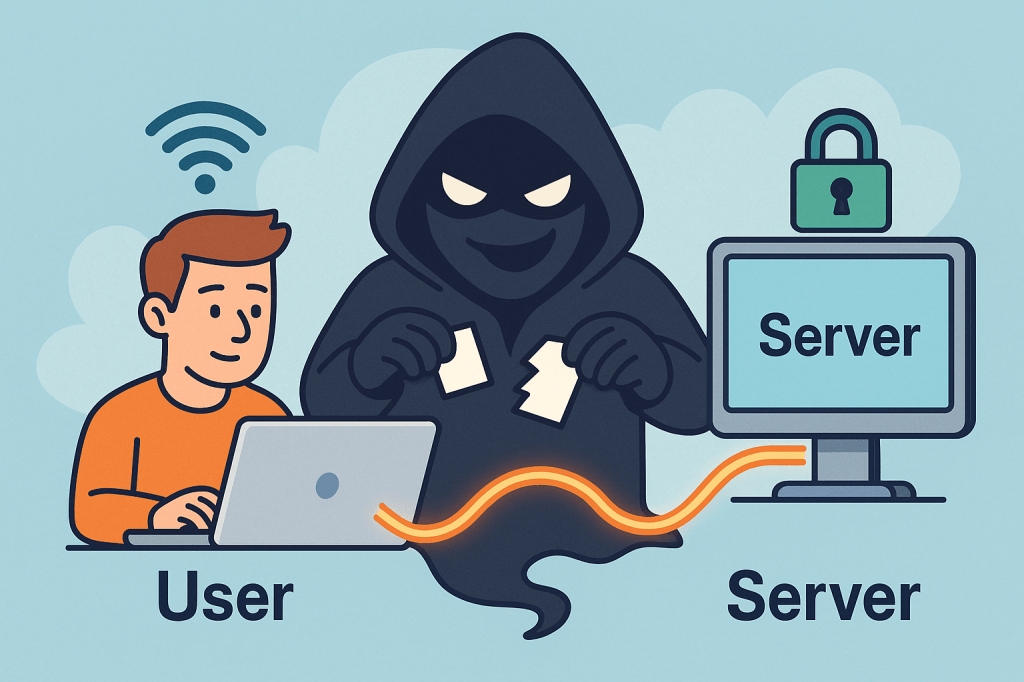
A Man-in-the-Middle (MITM) attack is when a third party secretly intercepts, reads, and possibly alters the communication between two parties who believe they are talking directly to each other. Think of it as someone quietly sitting between two people on a phone call, listening, possibly changing words, and passing the altered conversation on.

How MITM attacks work ?

A MITM attack has two essential parts: interception and optionally manipulation.

1) Interception (how the attacker gets between you and the other party)

The attacker places themselves on the network path so traffic sent from A → B goes through the attacker first. Common interception vectors (conceptual descriptions only):

  • Rogue Wi-Fi / Evil twin: attacker sets up a fake Wi-Fi hotspot with a convincing SSID (e.g., “CoffeeShop_WiFi”). Users connect and all traffic goes through the attacker’s machine.
  • ARP spoofing / ARP poisoning (local networks): attacker sends fake ARP messages on a LAN so traffic for the router or for another host is directed to the attacker’s NIC.
  • DNS spoofing / DNS cache poisoning: attacker poisons DNS responses so a domain name resolves to an IP address the attacker controls.
  • Compromised routers, proxies, or ISPs: if a router or upstream provider is compromised or misconfigured, traffic can be intercepted at that point.
  • BGP hijacking (on the internet backbone): attacker manipulates routing announcements to direct traffic over infrastructure they control.
  • Compromised certificate authorities or weak TLS setups: attacker abuses trust in certificates to intercept “secure” connections.

Important: the above are conceptual descriptions to help you understand how interception happens. I’m not providing exploit steps or tools to carry them out.

2) Manipulation (what the attacker can do with intercepted traffic)

Once traffic passes through the attacker, they can:

  • Eavesdrop — read plaintext communication (passwords, messages, session cookies).
  • Harvest credentials — capture login forms and credentials.
  • Modify data in transit — change web pages, inject malicious scripts, alter transactions.
  • Session hijack — steal session cookies or tokens to impersonate a user.
  • Downgrade connections — force a downgrade from HTTPS to HTTP or strip TLS (SSL stripping) if possible.
  • Impersonate endpoints — present fake certificates or proxy TLS connections to hide themselves.

Typical real-world scenarios / examples

  • You connect to “FreeAirportWiFi” and a fake hotspot captures your login to a webmail service.
  • On a corporate LAN, an attacker uses ARP spoofing to capture internal web traffic and collect session cookies.
  • DNS entries for a banking site are poisoned so users are sent to a look-alike site where credentials are harvested.
  • A corporate TLS-intercepting proxy (legitimate in some orgs) inspects HTTPS traffic — if misconfigured or if certificates are not validated correctly, this can be abused.

What’s the issue and how can MITM affect us?

MITM attacks threaten confidentiality, integrity, and authenticity:

  • Confidentiality breach: private messages, PII, payment details, health records can be exposed.
  • Credential theft & account takeover: stolen passwords or tokens lead to fraud, identity theft, or account compromises.
  • Financial loss / fraud: attackers can alter payment instructions (e.g., change bank account numbers).
  • Supply-chain or software tampering: updates or downloads could be altered.
  • Reputation and legal risk: businesses can lose user trust and face compliance issues if customer data is intercepted.

Small, everyday examples (end-user impact): stolen email logins, unauthorized purchases, unauthorized access to corporate systems. For organizations: data breach notifications, regulatory fines, and remediation costs.

How to prevent Man-in-the-Middle attacks — practical, defensible steps

Below are layered, defense-in-depth controls: user practices, network configuration, application design, and monitoring.

A. User & device best practices

  • Avoid public/untrusted Wi-Fi: treat public Wi-Fi as untrusted. If you must use it, use a reputable VPN.
  • Prefer mobile/cellular networks when doing sensitive transactions if a trusted Wi-Fi is not available.
  • Check HTTPS / certificate details for sensitive sites: browsers show padlock and certificate information (issuer, valid dates). If warnings appear, do not proceed.
  • Use Multi-Factor Authentication (MFA): even if credentials are stolen, MFA adds a barrier.
  • Keep devices patched: OS, browser, and app updates close known vulnerabilities attackers exploit.
  • Use reputable endpoint security (antivirus/EDR) that can detect suspicious network drivers or proxying.

B. Network & infrastructure controls

  • Use WPA2/WPA3 and strong Wi-Fi passwords; disable open Wi-Fi for business networks unless behind secure gateways.
  • Harden DNS: use DNSSEC where possible and validate DNS responses; consider DNS over HTTPS (DoH) or DNS over TLS (DoT) for clients.
  • Deploy network segmentation and limit broadcast domains (reduces ARP spoofing exposure).
  • Use secure routing practices and monitor BGP for suspicious route changes (for large networks / ISPs).
  • Disable unnecessary proxying and block rogue DHCP servers on internal networks.

C. TLS / application-level protections

  • Enforce HTTPS everywhere: redirect HTTP → HTTPS and ensure all resources load over HTTPS to avoid mixed-content issues.
  • Use HSTS (HTTP Strict Transport Security) with preload when appropriate — forces browsers to only use HTTPS for your domain.
  • Enable OCSP stapling and certificate transparency: reduces chances of accepting revoked/forged certs.
  • Prefer modern TLS versions and ciphers; disable older, vulnerable protocols (SSLv3, TLS 1.0/1.1).
  • Certificate pinning (in mobile apps or critical clients) — binds an app to a known certificate or public key to prevent forged certificates (use cautiously; requires careful update procedures).
  • Mutual TLS (mTLS) for machine-to-machine or internal high-security services — both sides verify certificates.
  • Use strong authentication and short-lived tokens for APIs; avoid relying solely on long-lived session cookies without binding.

D. Organizational policies & monitoring

  • Use enterprise VPNs for remote workers, with two-factor auth and endpoint posture checks.
  • Implement Intrusion Detection / Prevention (IDS/IPS) and network monitoring to spot ARP anomalies, rogue DHCP servers, unusual TLS/HTTPS flows, or unexpected proxying.
  • Log and review TLS handshakes, certs presented, and network flows — automated alerts for anomalous certificate issuers or frequent certificate changes.
  • Train users to recognize fake Wi-Fi, phishing, and certificate warnings.
  • Limit administrative privileges — reduce what an attacker can access with stolen credentials.
  • Adopt secure SDLC practices: ensure apps validate TLS, implement safe error handling, and do not suppress certificate validation during testing.

E. App developer guidance (to make MITM harder)

  • Never disable certificate validation in client code for production.
  • Implement certificate pinning where appropriate, with a safe update path (e.g., pin several keys or allow a backup).
  • Use OAuth / OpenID best practices (use PKCE for public clients).
  • Use secure cookie flags (Secure, HttpOnly, SameSite) and short session lifetimes.
  • Prefer token revocation and rotation; make stolen tokens short-lived.

Detecting a possible MITM (signs to watch for)

  • Browser security warnings about invalid certificates, untrusted issuers, or certificate name mismatches.
  • Frequent or unexpected TLS/HTTPS certificate changes for the same site.
  • Unusually slow connections or pages that change content unexpectedly.
  • Login failures that occur only on a certain network (e.g., at a coffee shop).
  • Unexpected prompts to install root certificates (red flag — don’t install unless from your trusted IT).
  • Repeated authentication prompts where you’d normally remain logged in.

If you suspect a MITM:

  1. Immediately disconnect from the network (turn off Wi-Fi/cable).
  2. Reconnect using a trusted network (e.g., mobile tethering) or VPN.
  3. Change critical passwords from a trusted network.
  4. Scan your device for malware.
  5. Notify your org’s security team and preserve logs if possible.

Quick checklist you can use / share

  • Use HTTPS everywhere (HSTS, OCSP stapling)
  • Enforce MFA across accounts
  • Don’t use public Wi-Fi for sensitive tasks; if you must, use VPN
  • Keep software and certificates up to date
  • Enable secure cookie flags and short sessions
  • Monitor network for ARP/DNS anomalies and certificate anomalies
  • Train users on Wi-Fi safety & certificate warnings

Short FAQ

Q: Is HTTPS enough to prevent MITM?
A: HTTPS/TLS dramatically reduces MITM risk if implemented and validated correctly. However, misconfigured TLS, compromised CAs, or users ignoring browser warnings can still enable MITM. Combine TLS with HSTS, OCSP stapling, and client-side checks for stronger protection.

Q: Can a corporate proxy cause MITM?
A: Some corporate proxies intentionally intercept TLS for inspection (they present their own certs to client devices that have a corporate root installed). That’s legitimate in many organizations but must be clearly controlled, configured, and audited. Misconfiguration or abuse could be risky.

Q: Should I use certificate pinning in my web app?
A: Pinning helps but requires careful operational planning to avoid locking out users when certs change. For mobile apps and sensitive connections, pinning to a set of public keys (not single cert) and having a backup plan is common.

Forward Secrecy in Computer Science: A Detailed Guide

What is forward secrecy?

What is Forward Secrecy?

Forward Secrecy (also called Perfect Forward Secrecy or PFS) is a cryptographic property that ensures the confidentiality of past communications even if the long-term private keys of a server are compromised in the future.

In simpler terms: if someone records your encrypted traffic today and later manages to steal the server’s private key, forward secrecy prevents them from decrypting those past messages.

This makes forward secrecy a powerful safeguard in modern security protocols, especially in an age where data is constantly being transmitted and stored.

A Brief History of Forward Secrecy

The concept of forward secrecy grew out of concerns around key compromise and long-term encryption risks:

  • 1976 – Diffie–Hellman key exchange introduced: Whitfield Diffie and Martin Hellman presented a method for two parties to establish a shared secret over an insecure channel. This idea laid the foundation for forward secrecy.
  • 1980s–1990s – Early SSL/TLS protocols: Early versions of SSL/TLS encryption primarily relied on static RSA keys. While secure at the time, they did not provide forward secrecy—meaning if a private RSA key was stolen, past encrypted sessions could be decrypted.
  • 2000s – TLS with Ephemeral Diffie–Hellman (DHE/ECDHE): Forward secrecy became more common with the adoption of ephemeral Diffie–Hellman key exchanges, where temporary session keys were generated for each communication.
  • 2010s – Industry adoption: Companies like Google, Facebook, and WhatsApp began enforcing forward secrecy in their security protocols to protect users against large-scale data breaches and surveillance.
  • Today: Forward secrecy is considered a best practice in modern cryptographic systems and is a default in most secure implementations of TLS 1.3.

How Does Forward Secrecy Work?

Forward secrecy relies on ephemeral key exchanges—temporary keys that exist only for the duration of a single session.

The process typically works like this:

  1. Key Agreement: Two parties (e.g., client and server) use a protocol like Diffie–Hellman Ephemeral (DHE) or Elliptic-Curve Diffie–Hellman Ephemeral (ECDHE) to generate a temporary session key.
  2. Ephemeral Nature: Once the session ends, the key is discarded and never stored permanently.
  3. Data Encryption: All messages exchanged during the session are encrypted with this temporary key.
  4. Protection: Even if the server’s private key is later compromised, attackers cannot use it to decrypt old traffic because the session keys were unique and have been destroyed.

This contrasts with static key exchanges, where a single private key could unlock all past communications if stolen.

Benefits of Forward Secrecy

Forward secrecy offers several key advantages:

  • Protection Against Key Compromise: If an attacker steals your long-term private key, they still cannot decrypt past sessions.
  • Data Privacy Over Time: Even if adversaries record encrypted traffic today, it will remain safe in the future.
  • Resilience Against Mass Surveillance: Prevents large-scale attackers from retroactively decrypting vast amounts of data.
  • Improved Security Practices: Encourages modern cryptographic standards such as TLS 1.3.

Example:

Imagine an attacker records years of encrypted messages between a bank and its customers. Later, they manage to steal the bank’s private TLS key.

  • Without forward secrecy: all those years of recorded traffic could be decrypted.
  • With forward secrecy: the attacker gains nothing—each past session had its own temporary key that is now gone.

Weaknesses and Limitations of Forward Secrecy

While forward secrecy is powerful, it is not without challenges:

  • Performance Overhead: Generating ephemeral keys requires more CPU resources, though this has become less of an issue with modern hardware.
  • Complex Implementations: Incorrectly implemented ephemeral key exchange protocols may introduce vulnerabilities.
  • Compatibility Issues: Older clients, servers, or protocols may not support DHE/ECDHE, leading to fallback on weaker, non-forward-secret modes.
  • No Protection for Current Sessions: If a session key is stolen during an active session, forward secrecy cannot help—it only protects past sessions.

Why and How Should We Use Forward Secrecy?

Forward secrecy is a must-use in today’s security landscape because:

  • Data breaches are inevitable, but forward secrecy reduces their damage.
  • Cloud services, messaging platforms, and financial institutions handle sensitive data daily.
  • Regulations and industry standards increasingly recommend or mandate forward secrecy.

Real-World Examples:

  • Google and Facebook: Enforce forward secrecy across their HTTPS connections to protect user data.
  • WhatsApp and Signal: Use end-to-end encryption with forward secrecy, ensuring messages cannot be decrypted even if long-term keys are compromised.
  • TLS 1.3 (2018): The newest version of TLS requires forward secrecy by default, pushing the industry toward safer encryption practices.

Integrating Forward Secrecy into Software Development

Here’s how you can adopt forward secrecy in your own development process:

  1. Use Modern Protocols: Prefer TLS 1.3 or TLS 1.2 with ECDHE key exchange.
  2. Update Cipher Suites: Configure servers to prioritize forward-secret cipher suites (e.g., ECDHE_RSA_WITH_AES_256_GCM_SHA384).
  3. Secure Messaging Systems: Implement end-to-end encryption protocols that leverage ephemeral keys.
  4. Code Reviews & Testing: Ensure forward secrecy is included in security testing and DevSecOps pipelines.
  5. Stay Updated: Regularly patch and upgrade libraries like OpenSSL, BoringSSL, or GnuTLS to ensure forward secrecy support.

Conclusion

Forward secrecy is no longer optional—it is a critical defense mechanism in modern cryptography. By ensuring that past communications remain private even after a key compromise, forward secrecy offers long-term protection in an increasingly hostile cyber landscape.

Integrating forward secrecy into your software development process not only enhances security but also builds user trust. With TLS 1.3, messaging protocols, and modern encryption libraries, adopting forward secrecy is easier than ever.

Online Certificate Status Protocol (OCSP): A Practical Guide for Developers

What is Online Certificate Status Protocol?

What is the Online Certificate Status Protocol (OCSP)?

OCSP is an IETF standard that lets clients (browsers, apps, services) check whether an X.509 TLS certificate is valid, revoked, or unknownin real time—without downloading large Certificate Revocation Lists (CRLs). Instead of pulling a massive list of revoked certificates, a client asks an OCSP responder a simple question: “Is certificate X still good?” The responder returns a signed “good / revoked / unknown” answer.

OCSP is a cornerstone of modern Public Key Infrastructure (PKI) and the HTTPS ecosystem, improving performance and revocation freshness versus legacy CRLs.

Why OCSP Exists (The Problem It Solves)

  • Revocation freshness: CRLs can be hours or days old; OCSP responses can be minutes old.
  • Bandwidth & latency: CRLs are bulky; OCSP answers are tiny.
  • Operational clarity: OCSP provides explicit status per certificate rather than shipping a giant list.

How OCSP Works (Step-by-Step)

1) The players

  • Client: Browser, mobile app, API client, or service.
  • Server: The site or API you’re connecting to (presents a cert).
  • OCSP Responder: Operated by the Certificate Authority (CA) or delegated responder that signs OCSP responses.

2) The basic flow (without stapling)

  1. Client receives the server’s certificate chain during TLS handshake.
  2. Client extracts the OCSP URL from the certificate’s Authority Information Access (AIA) extension.
  3. Client builds an OCSP request containing the certificate’s serial number and issuer info.
  4. Client sends the request (usually HTTP/HTTPS) to the OCSP responder.
  5. Responder returns a digitally signed OCSP response: good, revoked, or unknown, plus validity (ThisUpdate/NextUpdate) and optional Nonces to prevent replay.
  6. Client verifies the responder’s signature and freshness window. If valid, it trusts the status.

3) OCSP Stapling (recommended)

To avoid per-client lookups:

  • The server (e.g., Nginx/Apache/CDN) periodically fetches a fresh OCSP response from the CA.
  • During the TLS handshake, the server staples (attaches) this response to the Certificate message using the TLS status_request extension.
  • The client validates the stapled response—no extra round trip to the CA, no privacy leak, and faster page loads.

4) Must-Staple (optional, stricter)

Some certificates include a “must-staple” extension indicating clients should require a valid stapled OCSP response. If missing/expired, the connection may be rejected. This boosts security but demands strong ops discipline (fresh stapling, good monitoring).

Core Features & Components

  • Per-certificate status: Query by serial number, get a clear “good/revoked/unknown”.
  • Signed responses: OCSP responses are signed by the CA or a delegated responder cert with the appropriate EKU (Extended Key Usage).
  • Freshness & caching: Responses carry ThisUpdate/NextUpdate and caching hints. Servers/clients cache within that window.
  • Nonce support: Guards against replay (client includes a nonce; responder echoes it back). Not all responders use nonces because they reduce cacheability.
  • Transport: Typically HTTP(S). Many responders now support HTTPS to prevent tampering.
  • Stapling support: Offloads lookups to the server and improves privacy/performance.

Benefits & Advantages

  • Lower latency & better UX: With stapling, there’s no extra client-to-CA trip.
  • Privacy: Stapling prevents the CA from learning which sites a specific client visits.
  • Operational resilience: Clients aren’t blocked by transient CA OCSP outages when stapled responses are fresh.
  • Granular revocation: Revoke a compromised cert quickly and propagate status within minutes.
  • Standards-based & broadly supported: Works across modern browsers, servers, and libraries.

When & How to Use OCSP

Use OCSP whenever you operate TLS-protected endpoints (websites, APIs, gRPC, SMTP/TLS, MQTT/TLS). Always enable OCSP stapling on your servers or CDN. Consider must-staple for high-assurance apps (financial, healthcare, enterprise SSO) where failing “closed” on revocation is acceptable and you can support the operational load.

Patterns:

  • Public websites & APIs: Enable stapling at the edge (load balancer, CDN, reverse proxy).
  • Service-to-service (mTLS): Internal clients (Envoy, Nginx, Linkerd, Istio) use OCSP or short-lived certs issued by your internal CA.
  • Mobile & desktop apps: Let the platform’s TLS stack do OCSP; if you pin, prefer pinning the CA/issuer key and keep revocation in mind.

Real-World Examples

  1. Large e-commerce site:
    Moved from CRL checks to OCSP stapling on an Nginx tier. Result: shaved ~100–200 ms on cold connections in some geos, reduced CA request volume, and eliminated privacy concerns from client lookups.
  2. CDN at the edge:
    CDN nodes fetch and staple OCSP responses for millions of certs. Clients validate instantly; outages at the CA OCSP endpoint don’t cause widespread page load delays because staples are cached and rotated.
  3. Enterprise SSO (must-staple):
    An identity provider uses must-staple certificates so that any missing/expired OCSP staple breaks login flows loudly. Ops monitors staple freshness aggressively to avoid false breaks.
  4. mTLS microservices:
    Internal PKI issues short-lived certs (hours/days) and enables OCSP on the service mesh. Short-lived certs reduce reliance on revocation, but OCSP still provides a kill-switch for emergency revokes.

Operational Considerations & Pitfalls

  • Soft-fail vs. hard-fail: Browsers often “soft-fail” if the OCSP responder is unreachable (they proceed). Must-staple pushes you toward hard-fail, which increases availability requirements on your side.
  • Staple freshness: If your server serves an expired staple, strict clients may reject the connection. Monitor NextUpdate and refresh early.
  • Responder outages: Use stapling + caching and multiple upstream OCSP responder endpoints where possible.
  • Nonce vs. cacheability: Nonces reduce replay risk but can hurt caching. Many deployments rely on time-bounded caching instead.
  • Short-lived certs: Greatly reduce revocation reliance, but you still want OCSP for emergency cases (key compromise).
  • Privacy & telemetry: Without stapling, client lookups can leak browsing behavior to the CA. Prefer stapling.

How to Integrate OCSP in Your Software Development Process

1) Design & Architecture

  • Decide your revocation posture:
    • Public web: Stapling at the edge; soft-fail acceptable for most consumer sites.
    • High-assurance: Must-staple + aggressive monitoring; consider short-lived certs.
  • Standardize on servers/LBs that support OCSP stapling (Nginx, Apache, HAProxy, Envoy, popular CDNs).

2) Dev & Config (Common Stacks)

Nginx (TLS):

ssl_stapling on;
ssl_stapling_verify on;
resolver 1.1.1.1 8.8.8.8 valid=300s;
resolver_timeout 5s;
# Ensure the full chain is served so stapling works:
ssl_certificate /etc/ssl/fullchain.pem;
ssl_certificate_key /etc/ssl/privkey.pem;

Apache (httpd):

SSLUseStapling          on
SSLStaplingResponderTimeout 5
SSLStaplingReturnResponderErrors off
SSLStaplingCache "shmcb:/var/run/ocsp(128000)"

3) CI/CD & Automation

  • Lint certs in CI: verify AIA OCSP URL presence, chain order, key usage.
  • Fetch & validate OCSP during pipeline or pre-deploy checks:
    • openssl ocsp -issuer issuer.pem -cert server.pem -url http://ocsp.ca.example -VAfile ocsp_signer.pem
  • Renewals: If you use Let’s Encrypt/ACME, ensure your automation reloads the web server so it refreshes stapled responses.

4) Monitoring & Alerting

  • Track staple freshness (time until NextUpdate), OCSP HTTP failures, and unknown/revoked statuses.
  • Add synthetic checks from multiple regions to catch CA or network-path issues.
  • Alert well before NextUpdate to avoid serving stale responses.

5) Security & Policy

  • Define when to hard-fail (must-staple, admin consoles, SSO) vs soft-fail (public brochureware).
  • Document an emergency revocation playbook (CA portal access, contact points, rotate keys, notify customers).

Testing OCSP in Practice

Check stapling from a client:

# Shows if server is stapling a response and whether it's valid
openssl s_client -connect example.com:443 -status -servername example.com </dev/null

Direct OCSP query:

# Query the OCSP responder for a given cert
openssl ocsp \
  -issuer issuer.pem \
  -cert server.pem \
  -url http://ocsp.ca.example \
  -CAfile ca_bundle.pem \
  -resp_text -noverify

Look for good status and confirm This Update / Next Update are within acceptable windows.

FAQs

Is OCSP enough on its own?
No. Pair it with short-lived certs, strong key management (HSM where possible), and sound TLS configuration.

What happens if the OCSP responder is down?
With stapling, clients rely on the stapled response (within freshness). Without stapling, many clients soft-fail. High-assurance apps should avoid a single point of failure via must-staple + robust monitoring.

Do APIs and gRPC clients use OCSP?
Most rely on the platform TLS stack. When building custom clients, ensure the TLS library you use validates stapled responses (or perform explicit OCSP checks if needed).

Integration Checklist (Copy into your runbook)

  • Enable OCSP stapling on every internet-facing TLS endpoint.
  • Serve the full chain and verify stapling works in staging.
  • Monitor staple freshness and set alerts before NextUpdate.
  • Decide soft-fail vs hard-fail per system; consider must-staple where appropriate.
  • Document revocation procedures and practice a drill.
  • Prefer short-lived certificates; integrate with ACME for auto-renewal.
  • Add CI checks for cert chain correctness and AIA fields.
  • Include synthetic OCSP tests from multiple regions.
  • Educate devs on how to verify stapling (openssl s_client -status).

Call to action:
If you haven’t already, enable OCSP stapling on your staging environment, run the openssl s_client -status check, and wire up monitoring for staple freshness. It’s one of the highest-leverage HTTPS hardening steps you can make in under an hour.

Secure Socket Layer (SSL): A Practical Guide for Modern Developers

What is Secure Socket Layer?

What is Secure Socket Layer (SSL)?

Secure Socket Layer (SSL) is a cryptographic protocol originally designed to secure communication over networks. Modern “SSL” in practice means TLS (Transport Layer Security)—the standardized, more secure successor to SSL. Although people say “SSL certificate,” what you deploy today is TLS (prefer TLS 1.2+, ideally TLS 1.3).

Goal: ensure that data sent between a client (browser/app) and a server is confidential, authentic, and untampered.

How SSL/TLS Works (Step by Step)

  1. Client Hello
    The client initiates a connection, sending supported TLS versions, cipher suites, and a random value.
  2. Server Hello & Certificate
    The server picks the best mutual cipher suite, returns its certificate chain (proving its identity), and sends its own random value.
  3. Key Agreement
    Using Diffie–Hellman (typically ECDHE), client and server derive a shared session key. This provides forward secrecy (a future key leak won’t decrypt past traffic).
  4. Certificate Validation (Client-side)
    The client verifies the server’s certificate:
    • Issued by a trusted Certificate Authority (CA)
    • Hostname matches the certificate’s CN/SAN
    • Certificate is valid (not expired/revoked)
  5. Finished Messages
    Both sides confirm handshake integrity. From now on, application data is encrypted with the session keys.
  6. Secure Data Transfer
    Data is encrypted (confidentiality), MAC’d or AEAD-authenticated (integrity), and tied to the server identity (authentication).

Key Features & Components (In Detail)

1) Certificates & Public Key Infrastructure (PKI)

  • End-Entity Certificate (the “SSL certificate”): issued to your domain/service.
  • Chain of Trust: your cert → intermediate CA(s) → root CA (embedded in OS/browser trust stores).
  • SAN (Subject Alternative Name): lists all domain names the certificate covers.
  • Wildcard Certs: e.g., *.example.com—useful for many subdomains.
  • EV/OV/DV: validation levels; DV is common and free via Let’s Encrypt.

2) TLS Versions & Cipher Suites

  • Prefer TLS 1.3 (simpler, faster, more secure defaults).
  • Cipher suites define algorithms for key exchange, encryption, and authentication.
  • Favor AEAD ciphers (e.g., AES-GCM, ChaCha20-Poly1305).

3) Perfect Forward Secrecy (PFS)

  • Achieved via (EC)DHE key exchange. Protects past sessions even if the server key is compromised later.

4) Authentication Models

  • Server Auth (typical web browsing).
  • Mutual TLS (mTLS) for APIs/microservices: both client and server present certificates.

5) Session Resumption

  • TLS session tickets or session IDs speed up repeat connections and reduce handshake overhead.

6) Integrity & Replay Protection

  • Each record has an integrity check (AEAD tag). Sequence numbers and nonces prevent replays.

Benefits & Advantages

  • Confidentiality: prevents eavesdropping (e.g., passwords, tokens, PII).
  • Integrity: detects tampering and man-in-the-middle (MITM) attacks.
  • Authentication: clients know they’re talking to the real server.
  • Compliance: many standards (PCI DSS, HIPAA, GDPR) expect encryption in transit.
  • SEO & Browser UX: HTTPS is a ranking signal; modern browsers label HTTP as “Not Secure.”
  • Performance: TLS 1.3 plus HTTP/2 or HTTP/3 (QUIC) can be faster than legacy HTTP due to fewer round trips and better multiplexing.

When & How Should We Use It?

Short answer: Always use HTTPS for public websites and TLS for all internal services and APIs—including development and staging—unless there’s a compelling, temporary reason not to.

Use cases:

  • Public web apps and websites (user logins, checkout, dashboards)
  • REST/gRPC APIs between services (often with mTLS)
  • Mobile apps calling backends
  • Messaging systems (MQTT over TLS for IoT)
  • Email in transit (SMTP with STARTTLS, IMAP/POP3 over TLS)
  • Data pipelines (Kafka, Postgres/MySQL connections over TLS)

Real-World Examples

  1. E-commerce Checkout
    • Browser ↔ Storefront: HTTPS with TLS 1.3
    • Storefront ↔ Payment Gateway: TLS with pinned CA or mTLS
    • Benefits: protects cardholder data; meets PCI DSS; builds user trust.
  2. B2B API Integration
    • Partner systems exchange JSON over HTTPS with mTLS.
    • Mutual auth plus scopes/claims reduces risk of credential leakage and MITM.
  3. Service Mesh in Kubernetes
    • Sidecars (e.g., Envoy) automatically enforce mTLS between pods.
    • Central policy defines minimum TLS version/ciphers; cert rotation is automatic.
  4. IoT Telemetry
    • Device ↔ Broker: MQTT over TLS with client certs.
    • Even if devices live on hostile networks, data remains confidential and authenticated.
  5. Email Security
    • SMTP with STARTTLS opportunistic encryption; for stricter guarantees, use MTA-STS and TLSRPT policies.

Integrating TLS Into Your Software Development Process

Phase 1 — Foundation & Inventory

  • Asset Inventory: list all domains, subdomains, services, and ports that accept connections.
  • Threat Modeling: identify data sensitivity and where mTLS is required.

Phase 2 — Certificates & Automation

  • Issue Certificates: Use a reputable CA. For web domains, Let’s Encrypt via ACME (e.g., Certbot) is ideal for automation.
  • Automated Renewal: never let certs expire. Integrate renewal hooks and monitoring.
  • Key Management: generate keys on the server or HSM; restrict file permissions; back up securely.

Phase 3 — Server Configuration (Web/App/API)

  • Enforce TLS: redirect HTTP→HTTPS; enable HSTS (with preload once you’re confident).
  • TLS Versions: enable TLS 1.2+, prefer TLS 1.3; disable SSLv2/3, TLS 1.0/1.1.
  • Ciphers: choose modern AEAD ciphers; disable weak/legacy ones.
  • OCSP Stapling: improve revocation checking performance.
  • HTTP/2 or HTTP/3: enable for multiplexing performance benefits.

Phase 4 — Client & API Hardening

  • Certificate Validation: ensure hostname verification and full chain validation.
  • mTLS (where needed): issue client certs; manage lifecycle (provision, rotate, revoke).
  • Pinning (cautious): consider HPKP alternatives (TLSA/DANE in DNSSEC or CA pinning in apps) to avoid bricking clients.

Phase 5 — CI/CD & Testing

  • Automated Scans: add TLS configuration checks (e.g., linting scripts) in CI.
  • Integration Tests: verify HTTPS endpoints, expected protocols/ciphers, and mTLS paths.
  • Dynamic Tests: run handshake checks in staging before prod deploys.

Phase 6 — Monitoring & Governance

  • Observability: track handshake errors, protocol use, cert expiry, ticket keys.
  • Logging: log TLS version and cipher used (sans secrets).
  • Policy: minimum TLS version, allowed CAs, rotation intervals, and incident runbooks.

Practical Snippets & Commands

Generate a Private Key & CSR (OpenSSL)

# 1) Private key (ECDSA P-256)
openssl ecparam -genkey -name prime256v1 -noout -out privkey.pem

# 2) Certificate Signing Request (CSR)
openssl req -new -key privkey.pem -out domain.csr -subj "/CN=example.com"

Use Let’s Encrypt (Certbot) – Typical Webserver

# Install certbot per your OS, then:
sudo certbot --nginx -d example.com -d www.example.com
# or for Apache:
sudo certbot --apache -d example.com

cURL: Verify TLS & Show Handshake Details

curl -Iv https://example.com

Java (OkHttp) with TLS (hostname verification is on by default)

OkHttpClient client = new OkHttpClient.Builder().build();
Request req = new Request.Builder().url("https://api.example.com").build();
Response res = client.newCall(req).execute();

Python (requests) with Certificate Verification

import requests
r = requests.get("https://api.example.com", timeout=10)  # verifies by default
print(r.status_code)

Enforcing HTTPS in Nginx (Basic)

server {
listen 80;
server_name example.com http://www.example.com;
return 301 https://$host$request_uri;
}

server {
listen 443 ssl http2;
server_name example.com http://www.example.com;

ssl_protocols TLSv1.2 TLSv1.3;
ssl_ciphers TLS_AES_256_GCM_SHA384:TLS_AES_128_GCM_SHA256:TLS_CHACHA20_POLY1305_SHA256;
ssl_prefer_server_ciphers on;

# Provide full chain and key
ssl_certificate /etc/letsencrypt/live/example.com/fullchain.pem;
ssl_certificate_key /etc/letsencrypt/live/example.com/privkey.pem;

# HSTS (enable after testing redirects)
add_header Strict-Transport-Security “max-age=31536000; includeSubDomains; preload” always;

location / {
proxy_pass http://app:8080;
}
}

Common Pitfalls (and How to Avoid Them)

  • Forgetting renewals: automate via ACME; alert on expiry ≥30 days out.
  • Serving incomplete chains: always deploy the full chain (leaf + intermediates).
  • Weak ciphers/old protocols: disable TLS 1.0/1.1 and legacy ciphers.
  • No HSTS after go-live: once redirects are stable, enable HSTS (careful with preload).
  • Skipping internal encryption: internal traffic is valuable to attackers—use mTLS.
  • Certificate sprawl: track ownership and expiry across teams and environments.

FAQ

Is SSL different from TLS?
Yes. SSL is the older protocol. Today, we use TLS; the term “SSL certificate” persists out of habit.

Which TLS version should I use?
TLS 1.3 preferred; keep TLS 1.2 for compatibility. Disable older versions.

Do I need a paid certificate?
Not usually. DV certs via Let’s Encrypt are trusted and free. For enterprise identity needs, OV/EV may be required by policy.

When should I use mTLS?
For service-to-service trust, partner APIs, and environments where client identity must be cryptographically proven.

Developer Checklist (Revision List)

  • Inventory all domains/services needing TLS
  • Decide: public DV vs internal PKI; mTLS where needed
  • Automate issuance/renewal (ACME) and monitor expiry
  • Enforce HTTPS, redirects, and HSTS
  • Enable TLS 1.3 (keep 1.2), disable legacy protocols
  • Choose modern AEAD ciphers (AES-GCM/ChaCha20-Poly1305)
  • Configure OCSP stapling and session resumption
  • Add TLS tests to CI/CD; pre-prod handshake checks
  • Log TLS version/cipher; alert on handshake errors
  • Document policy (min version, CAs, rotation, mTLS rules)

Recommendation for Random Number Generation Using Deterministic Random Bit Generators (DRBGs)

What is  Random Number Generation Using Deterministic Random Bit Generator?

Random number generation is a cornerstone of modern cryptography and secure systems. However, not all random numbers are created equal. To achieve high levels of security, the National Institute of Standards and Technology (NIST) has published recommendations for using Deterministic Random Bit Generators (DRBGs). These guidelines are formalized in the NIST Special Publication 800-90 series and provide a standard framework for generating random bits securely.

In this blog, we will explore what these recommendations are, their historical background, key features, benefits, real-world examples, and how they apply in today’s software development.

What is Recommendation for Random Number Generation Using DRBGs?

The recommendation refers to a set of standards—particularly NIST SP 800-90A, 800-90B, and 800-90C—that define how DRBGs should be designed, implemented, and used in cryptographic applications.

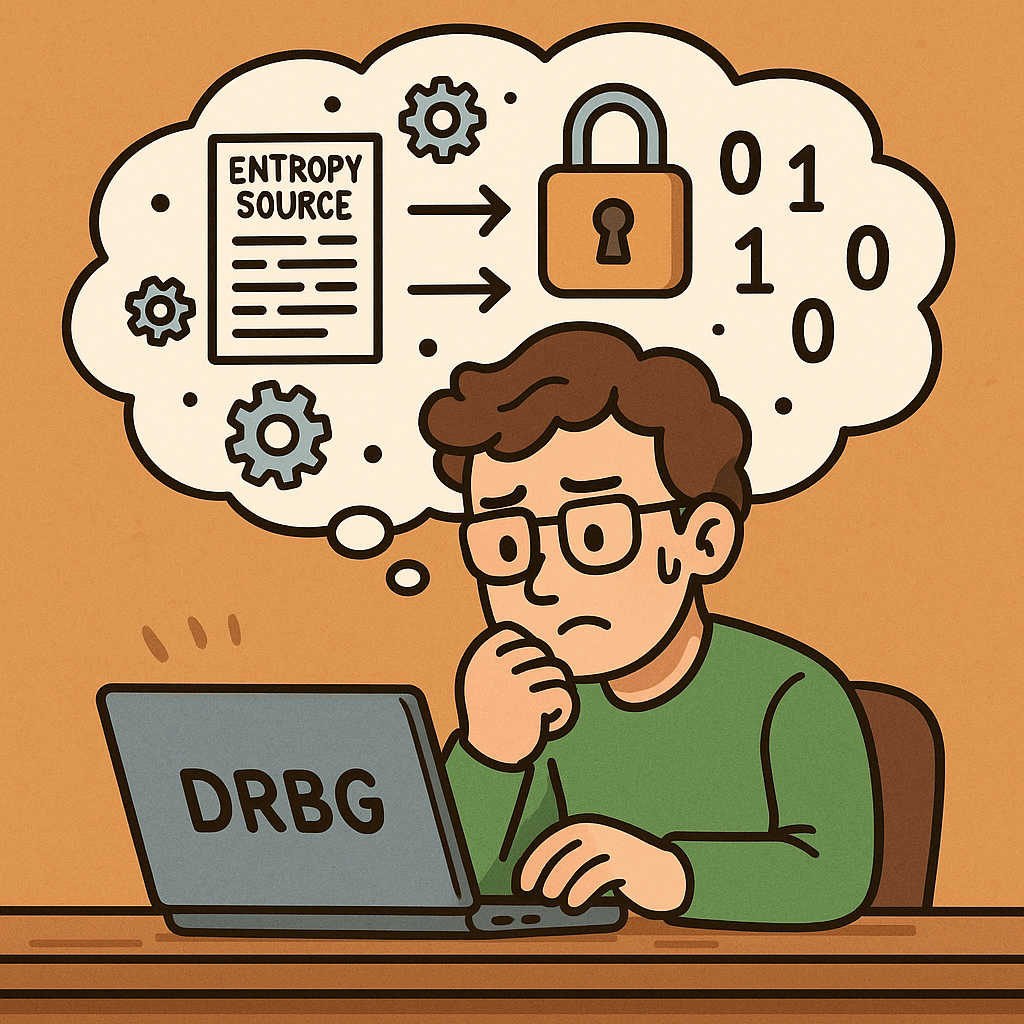
A Deterministic Random Bit Generator (DRBG) is an algorithm that generates a sequence of random-looking bits from a given initial value called a seed. Unlike true random number generators that rely on physical randomness, DRBGs are algorithmic but are designed to be cryptographically secure.

Historical Background

The journey toward secure DRBGs began when the cryptographic community identified weaknesses in naive pseudo-random number generators (PRNGs).

  • Early PRNGs (1960s–1990s): Many used simple linear congruential methods, which were fast but not secure for cryptography.
  • Rise of Cryptographic Applications (1990s): Secure communications, encryption, and authentication required stronger randomness sources.
  • NIST Recommendations (2001 onwards): NIST introduced the SP 800-90 series to formalize standards for DRBGs.
  • SP 800-90A (2006, revised 2012): Defined approved DRBG mechanisms based on cryptographic primitives such as hash functions, block ciphers, and HMACs.
  • SP 800-90B (2018): Provided guidance for entropy sources to seed DRBGs reliably.
  • SP 800-90C (2018): Offered frameworks for combining entropy sources with DRBGs to ensure robustness.

This history reflects the evolution from weak PRNGs to robust, standard-driven DRBGs in critical security infrastructures.

Key Features of DRBG Recommendations

NIST’s recommendations for DRBGs highlight several critical features:

  1. Cryptographic Strength:
    Uses secure primitives (HMAC, SHA-2, AES) to ensure unpredictability of outputs.
  2. Seed and Reseed Mechanisms:
    Defines how entropy is collected and used to initialize and refresh the generator.
  3. Backtracking Resistance:
    Even if an attacker learns the current internal state, they cannot reconstruct past outputs.
  4. Prediction Resistance:
    Future outputs remain secure even if some information about the internal state leaks.
  5. Well-defined Algorithms:
    Standardized algorithms include:
    • Hash_DRBG (based on SHA-256/384/512)
    • HMAC_DRBG (based on HMAC with SHA functions)
    • CTR_DRBG (based on AES in counter mode)
  6. Health Tests:
    Ensures that entropy sources and generator outputs pass statistical and consistency checks.

Benefits and Advantages

Implementing DRBG recommendations provides several benefits:

  • Security Assurance: Compliance with NIST standards ensures robustness against known cryptanalytic attacks.
  • Regulatory Compliance: Many industries (finance, government, healthcare) require adherence to NIST guidelines.
  • Consistency Across Platforms: Developers can rely on well-defined, interoperable algorithms.
  • Scalability: DRBGs are efficient and suitable for large-scale cryptographic systems.
  • Forward and Backward Security: Protects past and future randomness even in case of partial

Real-World Examples

  1. TLS/SSL (Secure Communications):
    DRBGs are used to generate session keys in protocols like TLS. Without secure random numbers, encrypted traffic could be decrypted.
  2. Cryptographic Tokens:
    Authentication tokens, API keys, and session identifiers often rely on DRBGs for uniqueness and unpredictability.
  3. Digital Signatures:
    Secure randomness is required in algorithms like ECDSA or RSA to ensure signatures cannot be forged.
  4. Hardware Security Modules (HSMs):
    HSMs use DRBG standards internally to generate keys and nonces in banking and government-grade security applications.
  5. Operating System Randomness APIs:
    Functions like /dev/urandom (Linux) or CryptGenRandom (Windows) are based on DRBG-like mechanisms following these recommendations.

How Can We Integrate DRBG Recommendations in Software Development?

  • Use Approved Libraries: Always rely on vetted cryptographic libraries (e.g., OpenSSL, BouncyCastle) that implement NIST-approved DRBGs.
  • Check Compliance: Ensure your software meets NIST SP 800-90A/B/C requirements if working in regulated industries.
  • Seed Properly: Incorporate high-quality entropy sources when initializing DRBGs.
  • Regular Reseeding: Implement reseeding policies to maintain long-term security.
  • Audit and Testing: Conduct regular security testing, including randomness quality checks.

Conclusion

The NIST recommendations for DRBGs are not just academic—they form the backbone of secure random number generation in modern cryptography. By following these standards, developers and organizations can ensure that their security systems remain resistant to attacks, compliant with regulations, and reliable across applications.

Blog at WordPress.com.

Up ↑