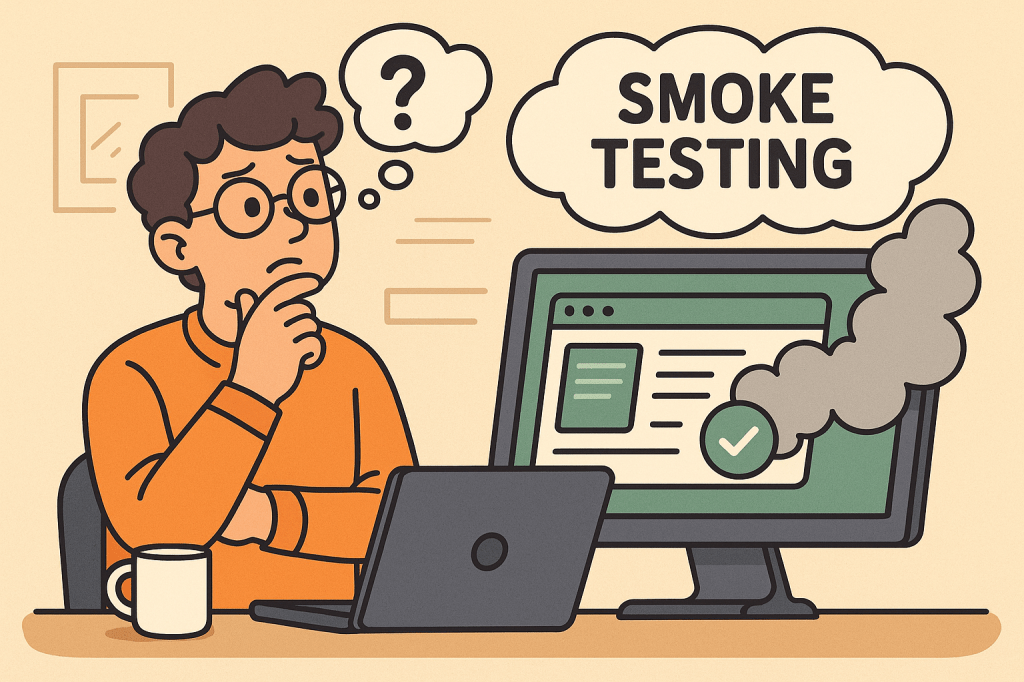
In modern software development, testing is a crucial step to ensure the stability, quality, and reliability of applications. Among different types of testing, Smoke Testing stands out as one of the simplest yet most effective methods to quickly assess whether a build is stable enough for further testing.
This blog explores what smoke testing is, how it works, its features, benefits, real-world use cases, and how you can integrate it into your software development process.
What is Smoke Testing?
Smoke Testing (also called Build Verification Testing) is a type of software testing that ensures the most important functions of an application work correctly after a new build or release.
The term comes from hardware testing, where engineers would power up a device for the first time and check if it “smoked.” In software, the idea is similar — if the application fails during smoke testing, it’s not ready for deeper functional or regression testing.
Main Features and Components of Smoke Testing
- Build Verification
- Performed on new builds to check if the application is stable enough for further testing.
- Critical Functionality Check
- Focuses only on the essential features like login, navigation, data input, and core workflows.
- Shallow and Wide Testing
- Covers all major areas of the application without going into too much detail.
- Automation or Manual Execution
- Can be executed manually for small projects or automated for CI/CD pipelines.
- Fast Feedback
- Provides developers and testers with immediate insights into build quality.
How Does Smoke Testing Work?
The process of smoke testing generally follows these steps:
- Receive the Build
- A new build is deployed from the development team.
- Deploy in Test Environment
- The build is installed in a controlled testing environment.
- Execute Smoke Test Cases
- Testers run predefined test cases focusing on core functionality (e.g., login, saving records, basic navigation).
- Evaluate the Results
- If the smoke test passes, the build is considered stable for further testing.
- If it fails, the build is rejected, and the issues are reported back to developers.
Benefits of Smoke Testing
- Early Detection of Major Defects
- Prevents wasted effort on unstable builds.
- Saves Time and Effort
- Quickly identifies whether further testing is worthwhile.
- Improves Build Stability
- Ensures only stable builds reach deeper levels of testing.
- Supports Continuous Integration
- Automated smoke tests provide fast feedback in CI/CD pipelines.
- Boosts Confidence
- Developers and testers gain assurance that the software is fundamentally working.
When and How Should We Use Smoke Testing?
- After Every New Build
- Run smoke tests to validate basic functionality before regression or system testing.
- During Continuous Integration/Delivery (CI/CD)
- Automate smoke tests to ensure each code commit does not break critical functionality.
- In Agile Environments
- Use smoke testing at the end of every sprint to ensure incremental builds remain stable.
Real-World Use Cases of Smoke Testing
- Web Applications
- Example: After a new deployment of an e-commerce platform, smoke tests might check if users can log in, add items to a cart, and proceed to checkout.
- Mobile Applications
- Example: For a banking app, smoke tests ensure users can log in, view account balances, and transfer funds before more advanced testing begins.
- Enterprise Systems
- Example: In large ERP systems, smoke tests verify whether dashboards load, reports generate, and user roles function properly.
- CI/CD Pipelines
- Example: Automated smoke tests run after every commit in Jenkins or GitHub Actions, ensuring no critical features are broken.
How to Integrate Smoke Testing Into Your Software Development Process
- Define Critical Features
- Identify the most important features that must always work.
- Create Reusable Test Cases
- Write simple but broad test cases that cover the entire system’s core functionalities.
- Automate Whenever Possible
- Use testing frameworks like Selenium, Cypress, or JUnit to automate smoke tests.
- Integrate With CI/CD Tools
- Configure Jenkins, GitLab CI, or GitHub Actions to trigger smoke tests after every build.
- Continuous Monitoring
- Regularly review and update smoke test cases as the application evolves.
Conclusion
Smoke testing acts as the first line of defense in software testing. It ensures that critical functionalities are intact before investing time and resources into deeper testing activities. Whether you’re working with web apps, mobile apps, or enterprise systems, smoke testing helps maintain build stability and improves overall software quality.
By integrating smoke testing into your CI/CD pipeline, you can speed up development cycles, reduce risks, and deliver stable, reliable software to your users.

 Software Engineer's Notes
Recent Comments