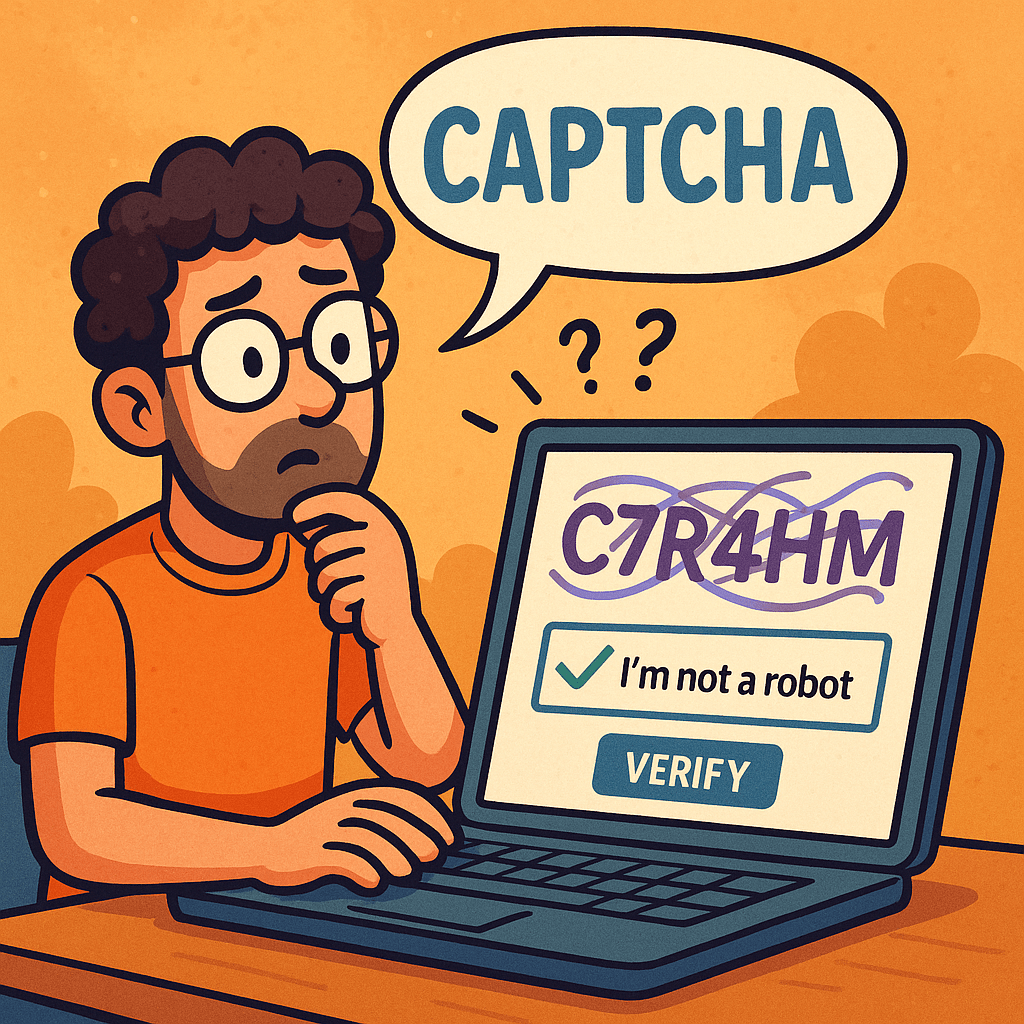
CAPTCHA — an acronym for Completely Automated Public Turing test to tell Computers and Humans Apart — is one of the most widely used security mechanisms on the internet. It acts as a digital gatekeeper, ensuring that users interacting with a website are real humans and not automated bots. From login forms to comment sections and online registrations, CAPTCHA helps maintain the integrity of digital interactions.
The History of CAPTCHA
The concept of CAPTCHA was first introduced in the early 2000s by a team of researchers at Carnegie Mellon University, including Luis von Ahn, Manuel Blum, Nicholas Hopper, and John Langford.
Their goal was to create a test that computers couldn’t solve easily but humans could — a reverse Turing test. The original CAPTCHAs involved distorted text images that required human interpretation.
Over time, as optical character recognition (OCR) technology improved, CAPTCHAs had to evolve to stay effective. This led to the creation of new types, including:
- Image-based CAPTCHAs: Users select images matching a prompt (e.g., “Select all images with traffic lights”).
- Audio CAPTCHAs: Useful for visually impaired users, playing distorted audio that needs transcription.
- reCAPTCHA (2007): Acquired by Google in 2009, this variant helped digitize books and later evolved into reCAPTCHA v2 (“I’m not a robot” checkbox) and v3, which uses risk analysis based on user behavior.
Today, CAPTCHAs have become an essential part of web security and user verification worldwide.
How Does CAPTCHA Work?
At its core, CAPTCHA works by presenting a task that is easy for humans but difficult for bots. The system leverages differences in human cognitive perception versus machine algorithms.
The Basic Flow:
- Challenge Generation:
The server generates a random challenge (e.g., distorted text, pattern, image selection). - User Interaction:
The user attempts to solve it (e.g., typing the shown text, identifying images). - Verification:
The response is validated against the correct answer stored on the server or verified using a third-party CAPTCHA API. - Access Granted/Denied:
If correct, the user continues the process; otherwise, the system requests another attempt.
Modern CAPTCHAs like reCAPTCHA v3 use behavioral analysis — tracking user movements, mouse patterns, and browsing behavior — to determine whether the entity is human without explicit interaction.
Why Do We Need CAPTCHA?
CAPTCHAs serve as a first line of defense against malicious automation and spam. Common scenarios include:
- Preventing spam comments on blogs or forums.
- Protecting registration and login forms from brute-force attacks.
- Securing online polls and surveys from manipulation.
- Protecting e-commerce checkouts from fraudulent bots.
- Ensuring fair access to services like ticket booking or limited-edition product launches.
Without CAPTCHA, automated scripts could easily overload or exploit web systems, leading to security breaches, data misuse, and infrastructure abuse.
Challenges and Limitations of CAPTCHA
While effective, CAPTCHAs also introduce several challenges:
- Accessibility Issues:
Visually impaired users or users with cognitive disabilities may struggle with complex CAPTCHAs. - User Frustration:
Repeated or hard-to-read CAPTCHAs can hurt user experience and increase bounce rates. - AI Improvements:
Modern AI models, especially those using machine vision, can now solve traditional CAPTCHAs with >95% accuracy, forcing constant innovation. - Privacy Concerns:
Some versions (like reCAPTCHA) rely on user behavior tracking, raising privacy debates.
Developers must balance security, accessibility, and usability when implementing CAPTCHA systems.
Real-World Examples
Here are some examples of CAPTCHA usage in real applications:
- Google reCAPTCHA – Used across millions of websites to protect forms and authentication flows.
- Cloudflare Turnstile – A privacy-focused alternative that verifies users without tracking.
- hCaptcha – Offers website owners a reward model while verifying human interactions.
- Ticketmaster – Uses CAPTCHA during high-demand sales to prevent bots from hoarding tickets.
- Facebook and Twitter – Employ CAPTCHAs to block spam accounts and fake registrations.
Integrating CAPTCHA into Modern Software Development
Integrating CAPTCHA into your development workflow can be straightforward, especially with third-party APIs and libraries.
Step-by-Step Integration Example (Google reCAPTCHA v2):
- Register your site at Google reCAPTCHA Admin Console.
- Get the site key and secret key.
- Add the CAPTCHA widget in your frontend form:
<pre class="wp-block-syntaxhighlighter-code"><form action="verify.php" method="post">
  <div class="g-recaptcha" data-sitekey="YOUR_SITE_KEY"></div>
  <input type="submit" value="Submit">
</form>
<a href="https://www.google.com/recaptcha/api.js">https://www.google.com/recaptcha/api.js</a>
</pre>
- Verify the response in your backend (e.g., PHP, Python, Java):
import requests

response = requests.post(
    "https://www.google.com/recaptcha/api/siteverify",
    data={"secret": "YOUR_SECRET_KEY", "response": user_response}
)
result = response.json()
if result["success"]:
    print("Human verified!")
else:
    print("Bot detected!")
- Handle verification results appropriately in your application logic.
Integration Tips:
- Combine CAPTCHA with rate limiting and IP reputation analysis for stronger security.
- For accessibility, always provide audio or alternate options.
- Use asynchronous validation to improve UX.
- Avoid placing CAPTCHA on every form unnecessarily — use it strategically.
Conclusion
CAPTCHA remains a cornerstone of online security — balancing usability and protection. As automation and AI evolve, so must CAPTCHA systems. The shift from simple text challenges to behavior-based and privacy-preserving verification illustrates this evolution.
For developers, integrating CAPTCHA thoughtfully into the software development process can significantly reduce automated abuse while maintaining a smooth user experience.

 Software Engineer's Notes
Recent Comments