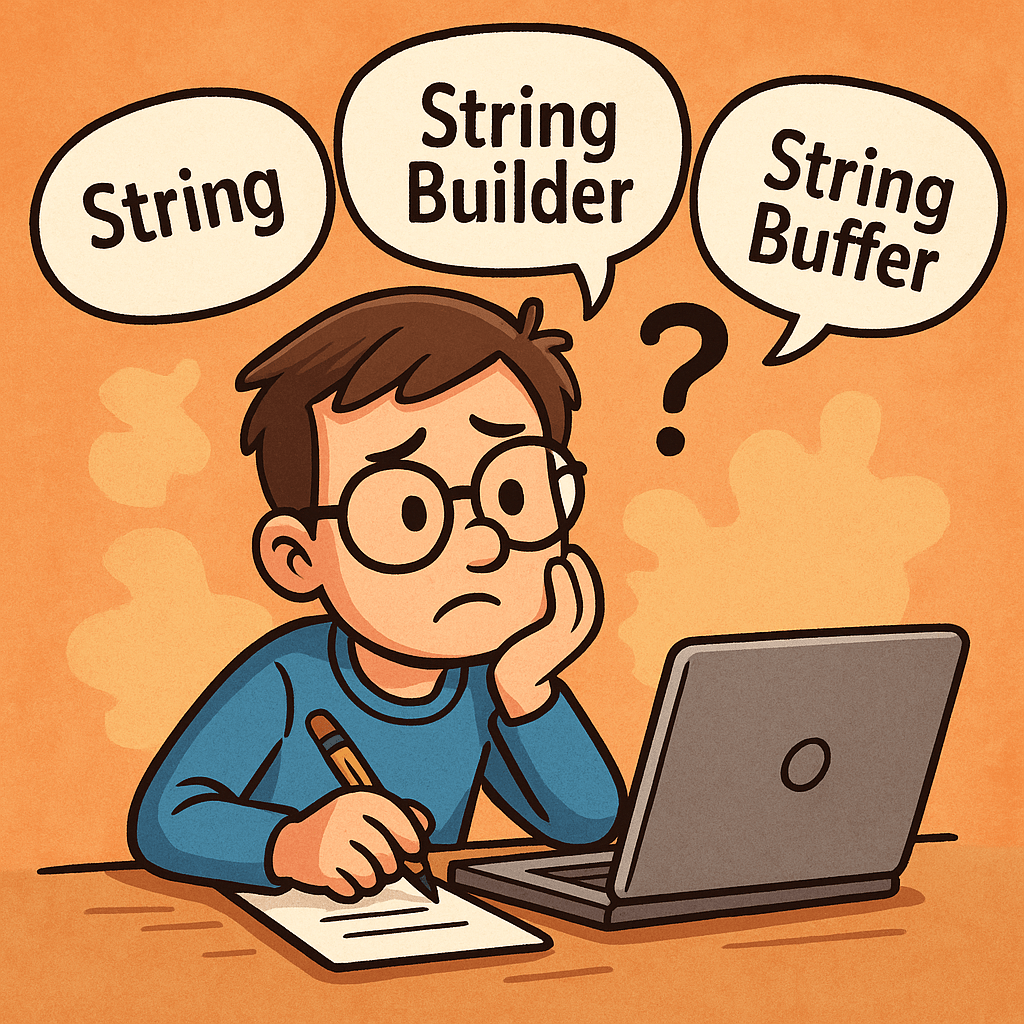
Why Are There Three Similar Types?
Java offers three string-related types to balance readability, safety, and performance:
- String is simple and safe because it’s immutable.
- StringBuilder is fast for single-threaded, heavy concatenation.
- StringBuffer is like StringBuilder but synchronized for thread safety.
Immutability (String) prevents accidental changes and enables pooling/caching. Mutability (StringBuilder/StringBuffer) avoids creating many temporary objects during repeated modifications.
What Are They?
String (Immutable, Thread-Safe by Design)
- Once created, its content never changes.
- Any “change” (e.g., concatenation) returns a new String.
- String literals are stored in the string pool for memory efficiency.
- Great for constants, keys, logging messages that don’t change, and APIs that return stable values.
StringBuilder (Mutable, Not Synchronized)
- Designed for fast, frequent modifications (append, insert, delete) in a single thread.
- No synchronization overhead → typically the fastest way to build strings dynamically.
StringBuffer (Mutable, Synchronized)
- Like StringBuilder but synchronized methods for thread safety if the same builder is shared across threads.
- Synchronization adds overhead, so it’s slower than StringBuilder in single-threaded code.
Key Differences at a Glance
Mutability
- String: Immutable
- StringBuilder: Mutable
- StringBuffer: Mutable
Thread Safety
- String: Safe to share (cannot change)
- StringBuilder: Not thread-safe
- StringBuffer: Thread-safe (synchronized)
Performance (Typical)
- String: Fine for few ops; costly in large loops with
+or+= - StringBuilder: Fastest for many concatenations in one thread
- StringBuffer: Slower than StringBuilder due to synchronization
Common APIs
- String: rich APIs (substring, replace, split, equals, hashCode, compareTo)
- StringBuilder/StringBuffer: builder-style APIs (append, insert, delete, reverse, setCharAt), then
toString()
How Do I Choose?
Quick Decision Guide
- Need a constant or rarely change the text? Use String.
- Building text in a loop or via many appends in one thread? Use StringBuilder.
- Building text shared across threads without external locks? Use StringBuffer (or prefer StringBuilder with your own synchronization strategy if you control access).
Rule of Thumb
- Use String by default for readability and safety.
- Switch to StringBuilder when performance matters during repeated concatenations.
- Use StringBuffer only when you truly need shared mutation across threads.
Practical Examples
Example 1: Costly Loop with String
String s = "";
for (int i = 0; i < 10000; i++) {
    s += i; // creates many temporary objects → avoid
}
Example 2: Efficient Loop with StringBuilder
StringBuilder sb = new StringBuilder(10000); // optional capacity hint
for (int i = 0; i < 10000; i++) {
    sb.append(i);
}
String s = sb.toString();
Example 3: When StringBuffer Makes Sense
// Only if 'shared' is truly accessed by multiple threads concurrently.
StringBuffer shared = new StringBuffer();
Runnable task = () -> {
    for (int i = 0; i < 1000; i++) {
        shared.append(i).append(",");
    }
};
Benefits of Each
String
- Simplicity and clarity
- Inherent thread safety via immutability
- Works well with string pooling (memory optimization)
- Safe as map keys and for caching
StringBuilder
- Best performance for intensive concatenation
- Low GC pressure versus many temporary Strings
- Fluent, builder-style API
StringBuffer
- Built-in thread safety without external locks
- Drop-in API similarity to StringBuilder
When to Use Them (and When Not To)
Use String When
- Defining constants and literals
- Passing values across layers/APIs
- Storing keys in collections (immutability prevents surprises)
Avoid String When
- You’re repeatedly concatenating in loops (prefer StringBuilder)
Use StringBuilder When
- Building JSON, CSV, logs, or messages in loops
- Formatting output dynamically in a single thread
Avoid StringBuilder When
- The builder is accessed by multiple threads simultaneously (unless you guard it externally)
Use StringBuffer When
- Multiple threads must mutate the same buffer at the same time and you can’t refactor for confinement
Avoid StringBuffer When
- You’re single-threaded or can confine builders per thread (prefer StringBuilder for speed)
Additional Tips
About the + Operator
- In a single expression, the compiler typically uses an internal StringBuilder.
- In loops,
+=often creates many intermediate objects. Prefer an explicit StringBuilder.
Capacity Planning
- Builders start with a default capacity and grow (usually doubling plus a small constant).
- If you can estimate size, call
new StringBuilder(expectedLength)orensureCapacityto reduce reallocations.
Interoperability
- Convert builders to String with
toString(). - For equality checks, compare String values, not builders.
Summary
- String: Immutable, simple, safe → use by default for stable text.
- StringBuilder: Mutable, fastest for repeated concatenations in one thread.
- StringBuffer: Mutable, synchronized for shared multi-threaded mutation—use only when you truly need it.
With these guidelines, choose the simplest type that meets your thread-safety and performance needs, and only optimize to builders when profiling or repeated concatenation calls for it.

 Software Engineer's Notes
Recent Comments