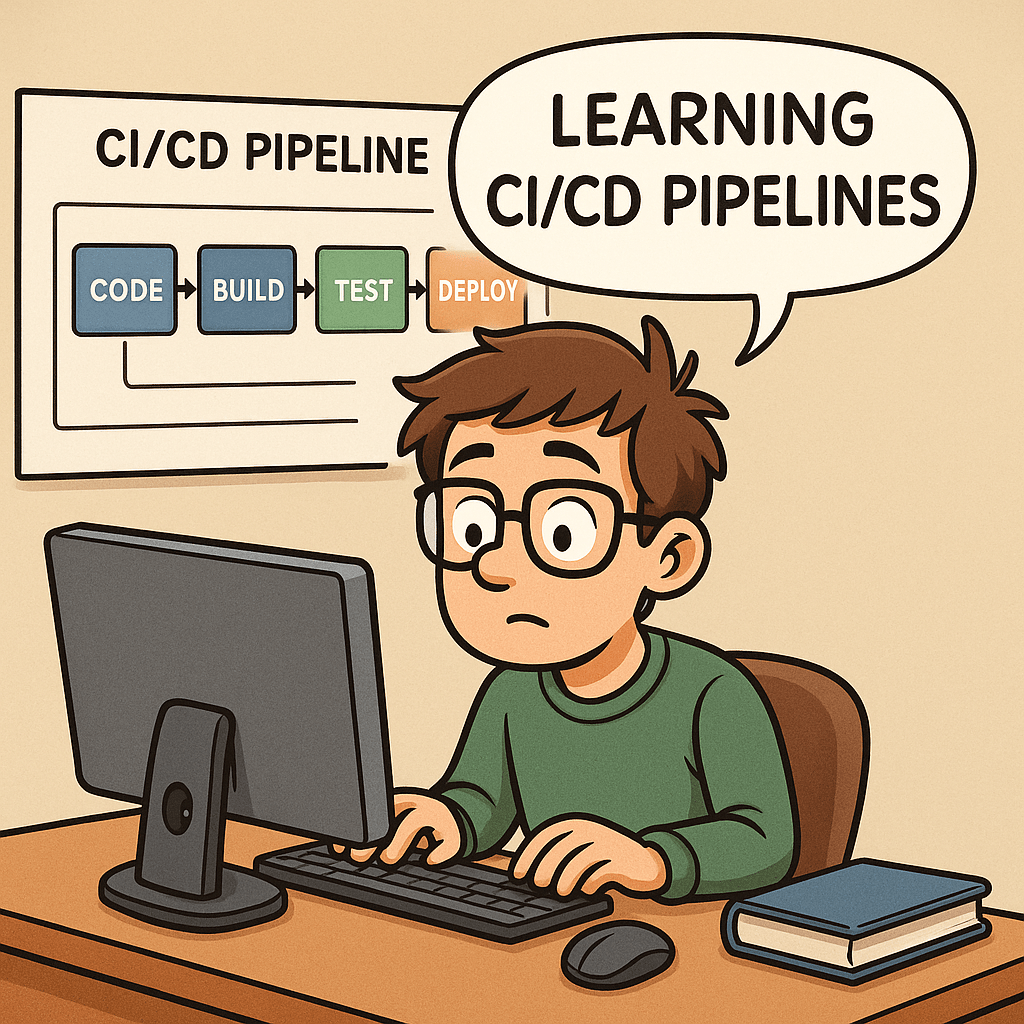
What Are CI/CD Pipelines?
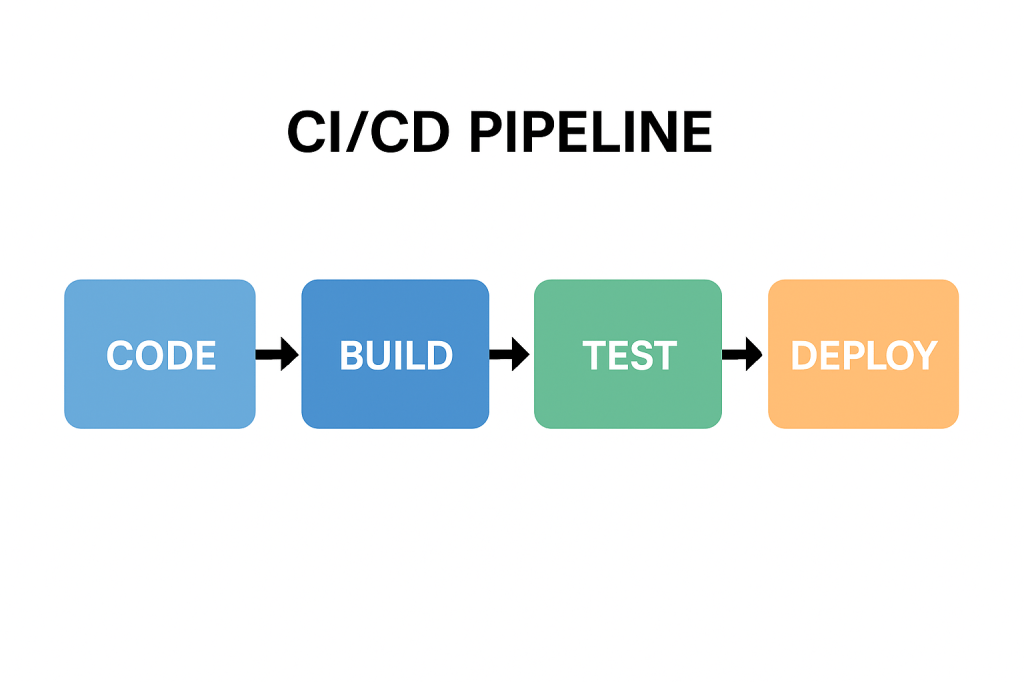
CI/CD stands for Continuous Integration and Continuous Delivery (or Deployment).
A CI/CD pipeline is a series of automated steps that help developers build, test, and deploy software more efficiently. Instead of waiting for long release cycles, teams can deliver updates to production quickly and reliably.
In simple terms, it is the backbone of modern DevOps practices, ensuring that code changes move smoothly from a developer’s laptop to production with minimal friction.
A Brief History of CI/CD
The idea of Continuous Integration was first popularized in the early 2000s through Extreme Programming (XP) practices. Developers aimed to merge code frequently and test it automatically to prevent integration issues.
Later, the concept of Continuous Delivery emerged, emphasizing that software should always be in a deployable state. With the rise of cloud computing and DevOps in the 2010s, Continuous Deployment extended this idea further, automating the final release step.
Today, CI/CD has become a standard in software engineering, supported by tools such as Jenkins, GitLab CI, GitHub Actions, CircleCI, and Azure DevOps.
Why Do We Need CI/CD Pipelines?
Without CI/CD, teams often face:
- Integration problems when merging code late in the process.
- Manual testing bottlenecks that slow down releases.
- Risk of production bugs due to inconsistent environments.
CI/CD addresses these challenges by:
- Automating builds and tests.
- Providing rapid feedback to developers.
- Reducing the risks of human error.
Key Benefits of CI/CD
- Faster Releases – Automations allow frequent deployments.
- Improved Quality – Automated tests catch bugs earlier.
- Better Collaboration – Developers merge code often, avoiding “integration hell.”
- Increased Confidence – Teams can push changes to production knowing the pipeline validates them.
- Scalability – Works well across small teams and large enterprises.
How Can We Use CI/CD in Our Projects?
Implementing CI/CD starts with:
- Version Control Integration – Use Git repositories (GitHub, GitLab, Bitbucket).
- CI/CD Tool Setup – Configure Jenkins, GitHub Actions, or other services.
- Defining Stages – Common pipeline stages include:
- Build – Compile the code and create artifacts.
- Test – Run unit, integration, and functional tests.
- Deploy – Push to staging or production environments.
Managing pipelines requires:
- Infrastructure as Code (IaC) to keep environments consistent.
- Monitoring and Logging to track pipeline health.
- Regular maintenance of dependencies, tools, and scripts.
Can We Test the Pipelines?
Yes—and we should!
Testing pipelines ensures that the automation itself is reliable. Common practices include:
- Pipeline Linting – Validate the configuration syntax.
- Dry Runs – Run pipelines in a safe environment before production.
- Self-Testing Pipelines – Use automated tests to verify the pipeline logic.
- Chaos Testing – Intentionally break steps to confirm resilience.
Just as we test our applications, testing the pipeline gives confidence that deployments won’t fail when it matters most.
Conclusion
CI/CD pipelines are no longer a “nice to have”—they are essential for modern software development. They speed up delivery, improve code quality, and reduce risks. By implementing and maintaining well-designed pipelines, teams can deliver value to users continuously and confidently.
If you haven’t already, start small—integrate automated builds and tests, then expand toward full deployment automation. Over time, your CI/CD pipeline will become one of the most powerful assets in your software delivery process.

 Software Engineer's Notes
Recent Comments